EUR 8.99
1 screen · total for the selected term
- Configure your screens
- Private access page and order email
HEXA TV / AUSTRALIA
A three-month IPTV term sits between a short setup check and a longer annual commitment. Compare it against the period you genuinely need and the full cost of making the setup usable.
Subscription plans →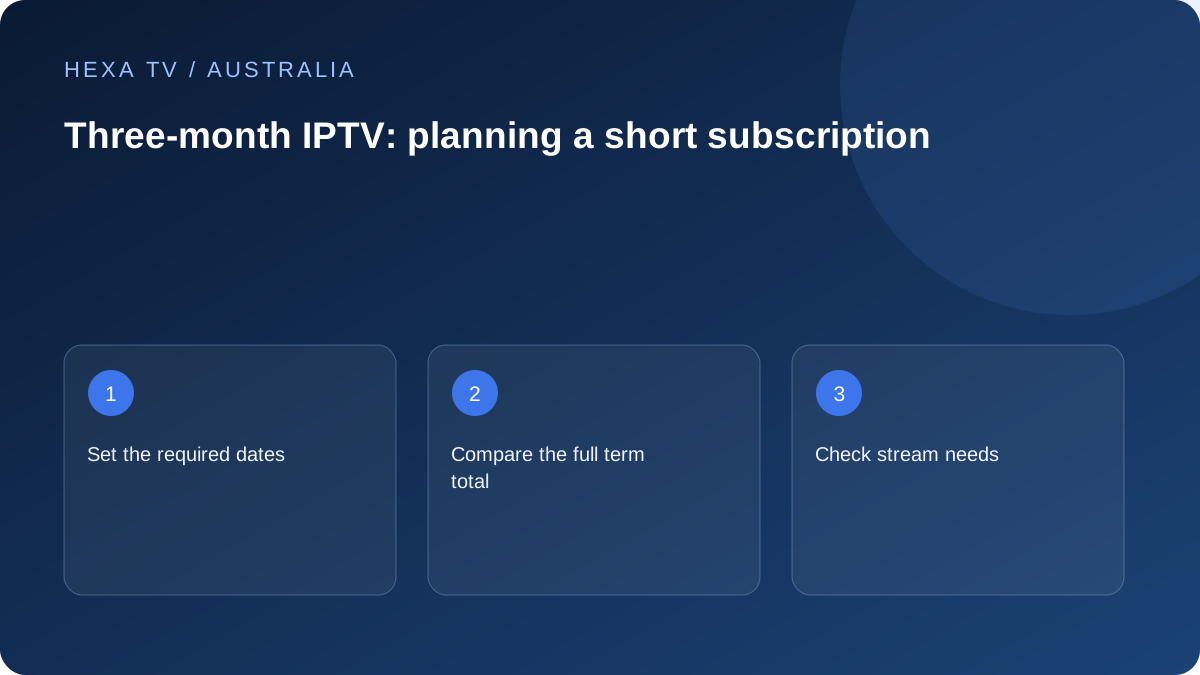
HEXA TV / Australia
Total prices in EUR. One payment for the selected term; no automatic renewal.
1 screen · total for the selected term
1 screen · total for the selected term
1 screen · total for the selected term
1 screen · total for the selected term
Mark the dates for which the household needs viewing and the events or programmes that motivate the purchase. A three-month term should cover an understood period, not an assumed sports season or an unverified catalogue.
Ask how the provider defines the term and when it activates. A payment date, account-creation date and first playback can differ.
The three-month totals are €17.99 for one stream, €34.99 for two, €44.99 for three and €54.99 for four. Payment is in euros, not Australian dollars.
Place the subscription total beside any device or player fee. If a new box is necessary, confirm it supports the required Australian app before making either purchase.
Keep a brief record of programmes actually watched and any unresolved device limitation. If the catalogue is rarely used because official local apps meet most needs, include that observation in the next-term decision.
Before expiry, request the current total and terms rather than assuming the same offer repeats. Check the selected combination and full EUR total in the order summary before payment.
Put the intended start and end on a calendar and note why those months matter. A particular competition, visiting household member or temporary living arrangement can create a real short-term need, but none should be assumed from a promotional image.
Check the specific programme's official Australian viewing route and the provider's account scope. The length of a subscription does not guarantee that every event scheduled during it is included.
Ask which event starts access and how the expiry is calculated. Payment confirmation, activation and first use are different possible events. The offer should identify the actual rule.
If an existing account overlaps the proposed term, ask whether a renewal extends it or creates a separate period. Do not assume the remaining days are credited. Keep the answer with the current quote so the total can be understood against the actual access dates.
A new streaming device should be assessed against all apps the household needs, including official local broadcasters. A box bought for a short content term may remain useful afterwards, but only if it supports those other requirements.
Keep hardware cost separate from the subscription and any player licence. Confirm whether the player licence transfers if the device is replaced. A short duration does not eliminate those setup decisions.
A household may need two sessions only when visitors are staying. Record that overlap and ask whether the provider offers a documented change of allowance. A three-month term and a stream upgrade are separate commercial questions.
Do not assume a higher allowance improves evening playback. If the permitted streams run poorly, compare the device, source and home connection. If the second is explicitly rejected, inspect the account rule and active sessions.
A short review during the term helps separate a temporary setup problem from a reason not to continue.
| Review area | Specific question |
|---|---|
| Catalogue | Did the household use its essential sources? |
| Device | Can the everyday viewer navigate unaided? |
| Network | Does an unresolved fault have a controlled comparison? |
| Allowance | How often did concurrent sessions overlap? |
| Support | Was the responsible route and timezone clear? |
| Next period | Is there a current complete renewal quote? |
Before buying another three months or a longer term, recheck device support and the essentials list. Keep old observations useful without treating them as a guarantee of future catalogue availability.
Request the payable currency, full total and new expiry rule. The current EUR matrix does not guarantee the price of a future renewal. A number remembered from the first purchase does not establish the next order's conditions.
Selecting a duration does not itself start a term, complete payment or activate an account. Check the order summary and verified payment status before expecting private access delivery.
Use this page to prepare requirements and questions. Compare the selected plan with that record, including the complete EUR total and applicable conditions.
FAQ
Practical answers before you choose.
Only if the provider explicitly offers and documents that option. No pause, extension or upgrade credit is assumed here.
Not automatically. Confirm the account's device-change policy and any player's separate licence transfer conditions. Keep the old supported setup available until the new device has passed its own installation and playback checks.