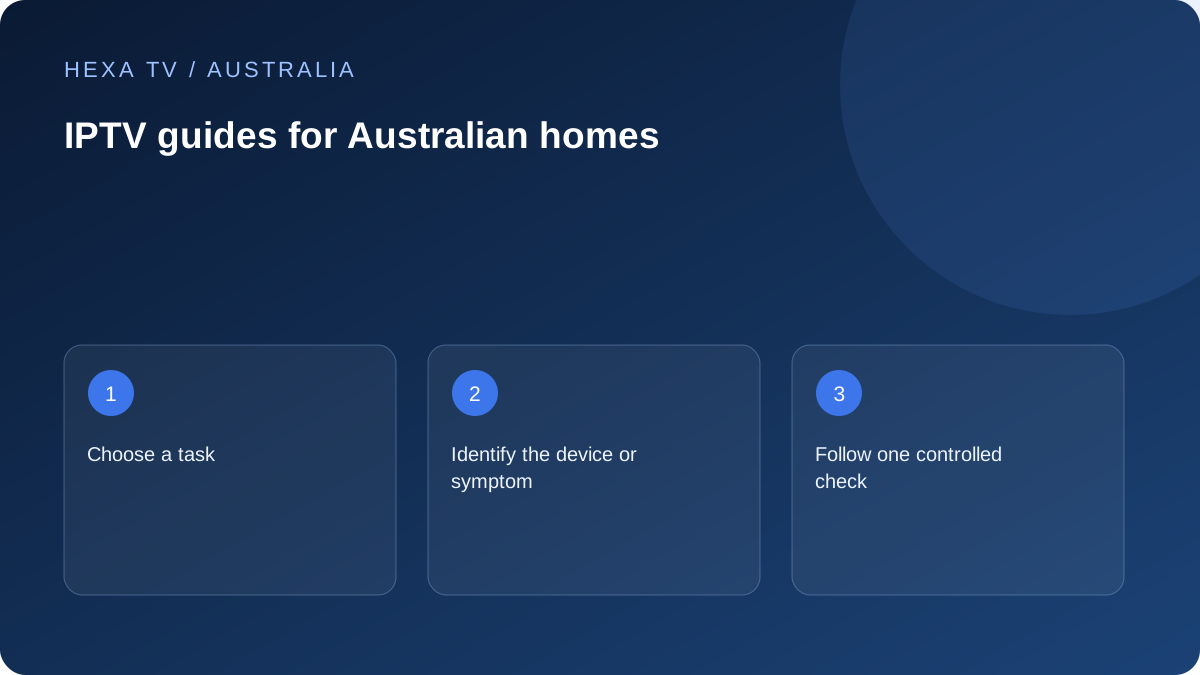
Choose the decision you are making
If you are comparing a subscription, start with plans, annual commitment and simultaneous screens. HexaTV prices and payments are in euros, not Australian dollars. Check the applicable terms before payment. Use the catalogue checklist to identify what an additional paid service would need to provide.
For local viewing, begin with Freeview and the official broadcaster pages. ABC iview, SBS On Demand, 7plus, 9Now and 10 have independent supported-device and availability information.
Choose the hardware route next
The device guides cover the television platform or separate streaming hardware, while the installation page explains the full sequence from app selection to one working source. Use the exact model and operating system instead of relying on the phrase smart TV.
When comparing an older television with a new streaming device, include inputs, remote controls and support for the other apps the household uses. A player licence and content subscription may remain separate.
Choose the symptom, then the comparison
For failures, use the troubleshooting hub to identify the first broken stage. The buffering guide focuses on controlled source, device and connection comparisons; black picture, missing sound, guide time and account errors have their own paths.
Network pages explain the distinction between NBN or another access service and home Wi-Fi. Regional access and mobile-data pages add plan and allowance questions without pretending to rank broadband providers.
Keep the result with the setup
A short private record of model, app, connection, date and unresolved issue makes future help easier. Send only redacted evidence through the relevant official support route.
The guides are editorial decision tools, not first-hand product reviews. They distinguish manufacturer documentation, illustrative examples and observations you can make on your own setup. Unverified catalogue, compatibility and performance claims remain unverified.
Follow the next uncertainty in order
A useful route through the library starts with the unanswered question. Check device support before planning a long term. Check the offered Australian catalogue before assuming a source is included. For a current fault, identify the first failure before buying another account.
Use the narrower guide once the symptom is known. An app crash, an empty catalogue and a programme at the wrong time have different next checks. The NBN page is relevant when evidence concerns the access service or home connection, not merely because the household happens to use NBN.
Carry observations between guides
Keep one private setup record containing model, software, connection and the last observed result. If a wired comparison improves playback, bring that evidence to the Wi-Fi guide. If a channel fails across supported devices while others work, bring the exact source and time to the provider report.
Do not repeatedly reset the working parts as you move between topics. The library's value is a connected decision process with specific next actions, not a requirement to perform every possible test. These guides distinguish documented instructions from first-hand observations that still need to be made.