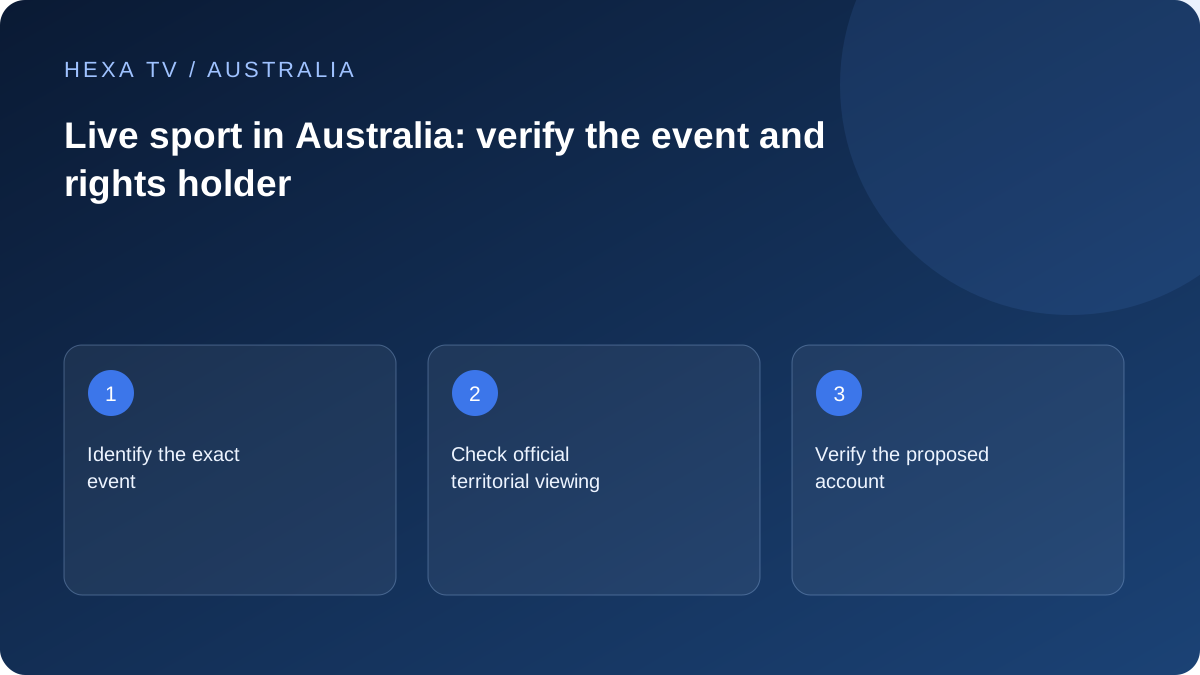
Identify the Australian viewing entitlement
Name the competition, fixture and date before comparing services. Use the competition or current rights holder's official Australian information to identify the authorised viewing route.
A promotional image of a sport is not evidence that its next event is included. Separate live coverage, highlights, commentary and replay.
Put the event into the household plan
Record the local start time and timezone and which television will be used. Check the official app or proposed provider's exact device support before the day.
A working test of another programme can verify part of the setup, but it cannot certify the event's catalogue inclusion or future delivery.
Compare the commitment around the need
If one competition motivates the purchase, calculate the complete cost over the intended period using an actual approved quote. Do not infer value from a long-term divided monthly price alone.
Premium-sports inclusion has not been verified for the HexaTV Australian offer. HexaTV prices and payments are in euros. Its editorial sports guide does not turn logos, provider claims or a trial clip into evidence of distribution rights.
Start with a fixture card, not a channel count
Create a brief card containing the competition, teams or participants, date, required coverage and the Australian location where you will watch. State whether a live event is essential or whether a replay is acceptable. Include any commentary or accessibility requirement. That turns a broad sports search into a question a service can answer precisely.
Find the current official viewing information from the organiser or authorised broadcaster for that event. Do not use an old season's announcement as proof of the next fixture. If you cannot establish the relevant Australian route, leave the inclusion question unresolved rather than inferring it from a logo, testimonial or a provider's general sports category.
Resolve Australian timing before inviting the household
Use the event's stated date and timezone, then confirm the start time for your actual location. An overseas event can fall on a different calendar date locally. A promotional time labelled for one Australian city should not be copied into every household's plan without checking the relevant location and date.
Keep the viewing appointment separate from the programme-guide row. A guide may be stale, mapped to another edition or displaying an app offset. If the official schedule and the player disagree, resolve that discrepancy before the event. The guide-time page explains how to investigate a systematic offset without changing every setting at once.
Compare what each offer actually supplies
Live coverage, extended highlights, radio commentary and an on-demand replay are distinct products. A household willing to watch later can evaluate different options from one that needs the first minute live. Ask about the exact product and device route instead of assuming every item under a competition name has the same coverage.
| Household need | Question for the service | Evidence to retain |
|---|---|---|
| Watch live on the main TV | Which entitled source and supported app show this fixture? | Current official viewing page and device support |
| Watch after work | Is a replay available and for how long? | Programme-specific replay information |
| Watch in another Australian location | Does this account permit the intended use there? | Current household and territory conditions |
| Two different matches at once | How many concurrent streams are allowed? | Account allowance, not just device registration |
| Use captions or alternate commentary | Does this particular coverage supply the feature? | Actual track or publisher information |
| Watch only one short competition | What full commitment is required? | Payable total and renewal conditions |
Calculate the price of the intended viewing period
Compare approved local quotes over the period you will actually use. Include additional required app or hardware costs and distinguish an upfront total from a divided monthly equivalent. A package that looks inexpensive per month may still require a larger payment than a short event-led purchase needs.
For illustration only, a fictional A$18 monthly option used for three months totals A$54. A fictional A$120 annual commitment has a lower A$10 monthly equivalent but costs more for that three-month need. These are arithmetic examples, not HexaTV prices or real supplier offers. No Australian checkout price is established by this guide.
Test the whole lounge-room route
Use the supported app and the exact screen, streaming device and audio equipment planned for the event. Confirm sign-in and play another authorised available item. Test the remote controls and accessibility features that the viewer needs. This checks parts of the setup; it does not certify the future event's availability or uninterrupted delivery.
If the TV is distant from the router, compare a safe supported wired path before assuming the nbn service requires an upgrade. Keep the source fixed during the comparison. A faster retail tier cannot be assumed to repair an app fault, an unsupported format or a weak final Wi-Fi link.
Make a sensible event-day routine
Open the intended app with enough time to handle an ordinary sign-in or update prompt. Close unnecessary streams if the account's allowance would otherwise be exceeded. Avoid rearranging the HDMI chain or changing router settings immediately before viewing when the established setup is working.
If the event stalls, note whether menus still respond and whether another authorised programme works. Give support the fixture, local time, device and exact symptom. A source-specific failure calls for different evidence from several apps failing across the house. Preserve the working configuration while investigating.
Evaluate sport separately from the rest of a subscription
After the event, assess the coverage and controls the household actually used. Did the required replay exist? Was the commentary suitable? Could the intended screens operate concurrently under the account conditions? Keep those observations separate from the size of the advertised catalogue.
If sport is the main reason to renew, check the next relevant period's official information again. A previous season's successful viewing does not establish future coverage. The decision can be to keep the service, choose a shorter term or use another authorised route; the appropriate result follows the verified need, not the largest package name.