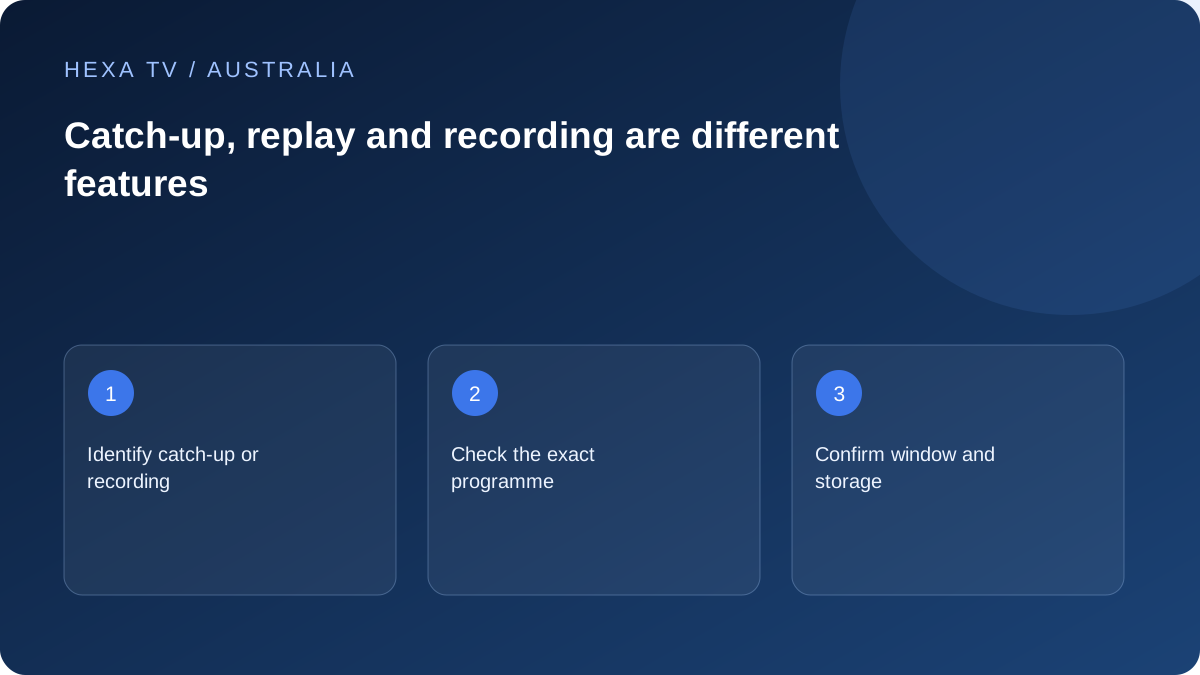
Define the requested time-shift
A household may want to restart today's live programme, watch yesterday's episode or schedule a recording. Ask for that exact action rather than a general promise of 'catch-up'.
The source, account and app must all support the intended feature. A programme-guide entry alone cannot establish it.
Use dates and the correct timezone
For Australian viewing, record the local date and timezone when finding an earlier programme. An overseas guide or a fixed offset can make the requested event appear on another date.
Check the stated availability window and the particular programme. Live rights, replay access and downloadable or recorded material can differ.
Check the practical limits
Ask whether replay or recording consumes a connection and whether the device must stay on or provide storage. Test pause, seeking, subtitles and returning to live viewing on the actual setup.
Before clearing an app or changing accounts, identify where bookmarks and recordings live. Preserve what the service permits through its supported process; do not assume a reinstall will retain them.
Separate replay from a personal recording
An on-demand replay is supplied by the service. A personal recording depends on the equipment and the service's permitted features. Restarting a live programme is another function, and a Watchlist is generally a way to find content, not a copy of the video.
Decide which task you need before choosing software or a plan. If the aim is to watch yesterday's episode, check that exact listing and its availability. A guide that can scroll backwards does not automatically prove that the selected programme can be played.
Use the Australian broadcaster's current episode information
ABC iview's official help explains programme expiry and directs viewers to the item's synopsis. SBS and commercial broadcaster services have their own catalogues and conditions. Do not apply one app's availability window to every service on the television.
Search by the exact title and series or episode where relevant. A trailer, highlight clip and full programme can appear close together. Read the selected item's details before deciding that the replay is the wrong length or that an entire series is available.
A practical catch-up comparison
Use the same required task when evaluating different supported routes. This is a framework, not an assertion that all listed features exist.
| Requirement | What to inspect | Possible next question |
|---|---|---|
| Watch a missed episode | Exact episode and current expiry information | Is the desired version still supplied? |
| Return to the start of a live item | Documented restart control | Does this source support restart on this device? |
| Continue on another screen | Account and profile behaviour | Does progress follow the same supported account route? |
| Use captions or another language | Tracks attached to this replay | Are they supplied and selectable here? |
| Save content offline | Explicit download or recording feature | What storage and availability rules apply? |
Check resume with the account actually in use
A service may link progress to an account, profile or device. ABC publishes its own Continue Watching guidance for signed-in viewers; a different player's behaviour must be checked separately. Do not promise cross-device resume because two screens use similar-looking software.
For a simple test, stop through the application's normal controls and reopen the same episode. If moving to another supported device is part of the need, test that route within the account's session rules. Record whether the programme resumes or starts again.
Keep schedule timing and replay availability distinct
An Australian guide can involve a particular feed and timezone. If an expected episode is absent, confirm which broadcast or version you mean before shifting the device clock. A permanent manual offset can make other entries wrong without creating a replay.
Record the broadcast date, local timezone and the current item information. If the programme is not yet published or has expired, that is different from a playback failure after selection. The support question should identify the actual stage.
Try the practical playback controls
Test pause and seeking where the service supports them. Check sound and caption readability on the actual television rather than assuming the mobile result carries over. Live and replay versions may have different controls or tracks.
If the item plays from the beginning but fails after a seek, include the position and action in the report. If every replay fails while live content works, retain that distinction. Avoid replacing the network configuration before collecting these useful boundaries.
Understand what remains when an item leaves a catalogue
A saved Watchlist entry or favourite does not extend content availability. ABC's Watchlist documentation describes how expired items can affect the list, but it does not create a permanent recording entitlement. Treat the actual current listing as the viewing reference.
If a required programme is unavailable, look for the officially offered alternative rather than assuming an unrelated IPTV package contains it. Editorial references to Australian broadcasters on this site are not inclusion claims for HexaTV.
Plan longer replay sessions on the intended connection
Catch-up viewing still uses the network unless a supported offline feature has actually downloaded the programme. Check the active connection after any hotspot test, and consider the relevant mobile or retail plan allowance before a long session.
Record the app, episode, date and Australian timezone if help is needed. Include whether the issue concerns discovery, expiry, playback, seeking or resume. A precise task description is more useful than asking support to fix all catch-up without an example.