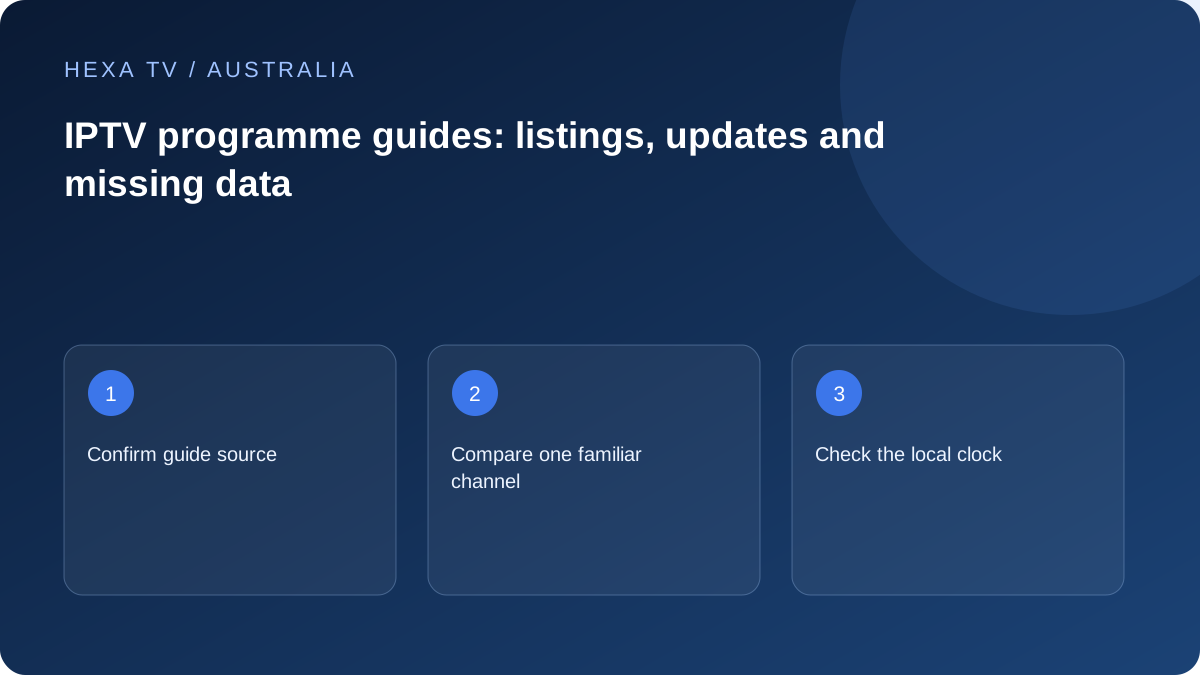
Start with one familiar Australian listing
Choose a programme whose current time and channel you can identify independently. Compare the listing in the app with the actual programme rather than looking only at the guide's visual layout.
A guide is schedule data. It does not itself establish playback entitlement or a replay archive.
Check timezone before adding offsets
Australia does not have one universal local time, and daylight-saving arrangements differ. Set the device to the correct actual location and verify its displayed clock. Then inspect any separate player guide offset.
If one channel is wrong while others align, investigate mapping or source data. If all entries shift together, the clock or offset becomes a more useful direction.
Refresh the right layer
Determine whether the account supplies guide information automatically or requires a separate supported source. Keep private guide URLs out of public help posts.
Use the documented refresh and note its timestamp. Missing provider data cannot be created by repeatedly reinstalling the app. Preserve favourites before clearing anything that might erase configuration.
Separate the three questions a guide must answer
First, is this the right channel edition for the household? Second, has the service supplied listings for the date being viewed? Third, has the player displayed those listings in the intended local time? Keeping those questions distinct prevents a timezone change from hiding a wrong regional feed.
A Melbourne household looking at a national-looking channel name should still establish which edition its service is presenting. A familiar logo is not evidence of a particular state schedule. Use the broadcaster's own programme information for the actual edition when making the comparison; do not presume a third-party guide uses the same naming convention.
Use channel identity as well as the title
The XMLTV specification associates programme records with channel identifiers. Its date-time representation also allows an explicit timezone. Those are separate pieces of information: correcting the time display cannot turn the wrong channel identifier into the right one.
Where an app offers manual association, start with one affected channel and preserve the previous choice. Match a sequence of programmes rather than a single repeated news title. For a managed guide, ask the provider to check the mapping. Downloading and editing an account-bearing schedule file is unnecessary for most household users.
A practical guide inspection worksheet
Use a small sample that covers the pattern you actually see. If the problem concerns one state edition, adding dozens of unrelated channels creates work without testing the suspected fault. The worksheet below gives each observation a clear purpose.
| Record | Example of useful detail | Why it matters |
|---|---|---|
| Viewing location | Your real town or city and the device timezone label | Allows the displayed local time to be understood |
| Channel edition | The exact label and any state or regional suffix | Distinguishes similar listings |
| Date selected | Today's date or a specific future date | Separates missing future coverage from a failed download |
| Programme sequence | Previous, current and next title | Reveals a wrong day or channel mapping |
| Refresh result | Update completed, failed, or produced no visible change | Describes what the player actually did |
| Control row | Another relevant channel that remains correct | Shows whether the fault is narrow or widespread |
When a travel or daylight-saving change exposes a fault
After travelling between Australian locations, inspect the device's actual timezone rather than applying a remembered number of hours. A player can retain an independent guide offset even when the operating system updates its clock. Photograph or note the old setting so an unsuccessful adjustment can be undone.
Do not compensate in both places at once. First establish that the device shows the correct date and local time; then inspect the player's supported guide options. If only one source remains wrong, its data may require attention from the publisher. A permanent household-wide offset is not a reliable remedy for one channel's incorrect listing.
Choose the least disruptive recovery
If the guide worked before a playlist refresh, ask whether the refresh changed channel identifiers or guide assignments. If the player offers a separate guide update, try that before deleting the account. Wait for its reported completion and return to the same date and rows for comparison.
If the source supplies only a limited number of future days, an empty later date may be normal for that source. Find out its stated coverage window instead of increasing cache size or reinstalling the app speculatively. Neither action manufactures programme data that the source has not published.
Know what a finished guide check looks like
The useful outcome is not simply a populated grid. The household should be able to identify the right channel, read the correct local start time and distinguish live listings from replay controls. Check that moving to tomorrow does not silently leave you on yesterday's date.
If playback remains available while guide repair is pending, use the broadcaster's official schedule as a temporary reference where applicable. This does not establish that a third-party stream is authorised or that its content will match every listing. It simply provides an independent schedule against which to describe the guide problem.