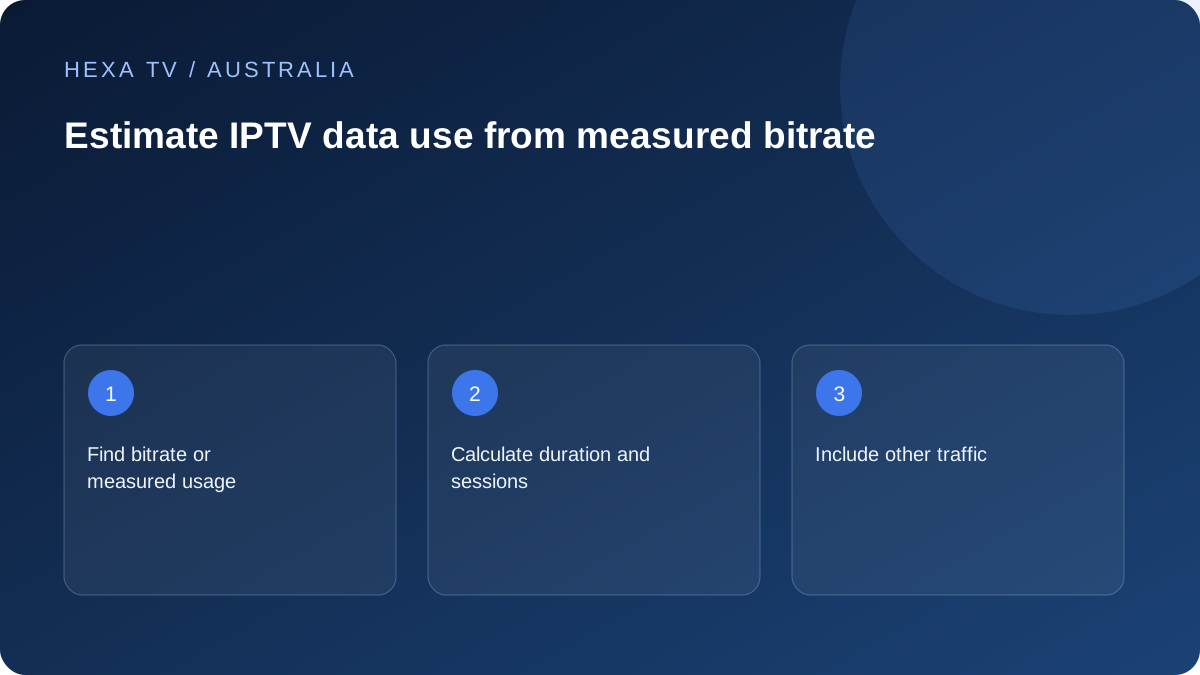
Budget the household sessions
Count the hours and simultaneous streams expected on the actual plan. A mobile or regional service may have conditions that differ from another product, so inspect the current allowance rather than assuming all Australian broadband is unlimited.
Use a device or provider usage record when available, clearly noting whether it includes other applications.
Calculate an explicitly hypothetical example
For constant bitrate, approximate decimal GB equals Mbps multiplied by hours multiplied by 0.45. This converts the units; it is not a claim about HexaTV's stream encoding.
A hypothetical 6 Mbps source watched for three hours gives 8.1 GB before accounting for other traffic and variation. Two such sessions would double that illustrative amount. Actual adaptive streams need observed usage or documented bitrate.
Use the estimate to choose a test length
Before a hotspot diagnostic, check the data remaining and any excess-charge rule. Stop the test when it has answered the question rather than leaving playback running on mobile data.
If a lower-quality option is acceptable on the screen, measure its own consumption. Do not assign it a fixed saving based only on the menu label.
Translate a rate into a session amount
The useful calculation needs a bitrate and a length of time. With decimal units, GB is approximately Mbps × hours × 0.45. The factor combines 3,600 seconds per hour, eight bits per byte and 1,000 megabytes per decimal gigabyte. It is not a recommended minimum connection speed.
For a hypothetical 6 Mbps source watched for three hours, the result is 8.1 GB. If that same constant rate runs for half an hour, the result is 1.35 GB. Both values describe the invented input scenario, not an observed HexaTV stream or a fixed amount attached to a resolution label.
Make a household estimate from real session lengths
List each screen that actually plays and how long it runs. Two screens used together for an hour contribute two hours of streaming, while two devices used alternately for a single hour contribute one hour in total if only one session is active at a time.
For illustration, a 6 Mbps session lasting two hours contributes 5.4 GB, and a separate 4 Mbps session lasting one hour contributes 1.8 GB. Their combined calculated amount is 7.2 GB. A third installed television that remains off contributes no viewing session to this calculation.
If the source rate is unknown or adaptive, keep the result as a range or obtain an appropriate measured total. Do not assign a made-up bitrate simply to produce a precise-looking monthly figure.
Use the allowance that applies to the actual connection
The home internet plan, a phone's mobile service and a temporary hotspot can have different usage conditions. Check the current retail plan and account information rather than transferring an assumption from one connection to another. An nbn access label alone does not describe every billing condition of the retail product.
For a regional or temporary setup, make the measurement period explicit. A phone counter reset halfway through the provider's billing month cannot show the whole month's remaining allowance. The operator's own account tool is the relevant reference for billing, while device counters can help explain which activity contributed.
A sample usage worksheet
The rates below are hypothetical constant inputs for explaining arithmetic. Replace them with appropriate measured data or documented source information.
| Activity | Rate and duration | Calculated video quantity |
|---|---|---|
| Lounge television | 6 Mbps for 2 hours | 5.4 decimal GB |
| Tablet programme | 4 Mbps for 1 hour | 1.8 decimal GB |
| Same tablet used for only 30 minutes | 4 Mbps for 0.5 hour | 0.9 decimal GB |
| No active playback on an installed TV app | No viewing session | Do not add a video session merely because the app exists |
Interpret device counters without treating them as a lab test
A router total can include software downloads, cloud backups, calls and other applications. A phone's per-app figure may cover a specific network type or period. Read the counter's description and retain its scope beside the number.
For a small practical observation, note the counter before and after a known interval and record other activity that could affect it. If the measurement cannot isolate video, label it as device or household traffic. A neat difference between two readings does not automatically make it a pure stream bitrate.
Choose a lower-data routine that remains usable
If the app supplies a supported quality option, try it on the screen you intend to use. Check captions, movement and small text. Keep the option that meets the viewing need rather than assuming the highest label is always worthwhile on a small display.
End unused sessions deliberately. If a television turns off while an external device remains active, check the player's documented stop behaviour. Do not count on the screen's standby button alone to manage a mobile allowance. After a hotspot test, reconnect to the intended home network and verify which path is active.
Keep estimates and actual charges separate
A worksheet helps decide whether a proposed habit is plausible within an allowance; it is not a bill. Adaptive video, different programmes and unrelated device traffic can change the total. Compare observations over a representative period instead of promising the same consumption every day.
Before relying on mobile or another metered arrangement for regular television, read what the plan does at its limit. Use the provider's current terms for charging or speed-management questions. The calculation on this page supplies a method, not a claim that a particular Australian plan is unlimited or suitable for every household.