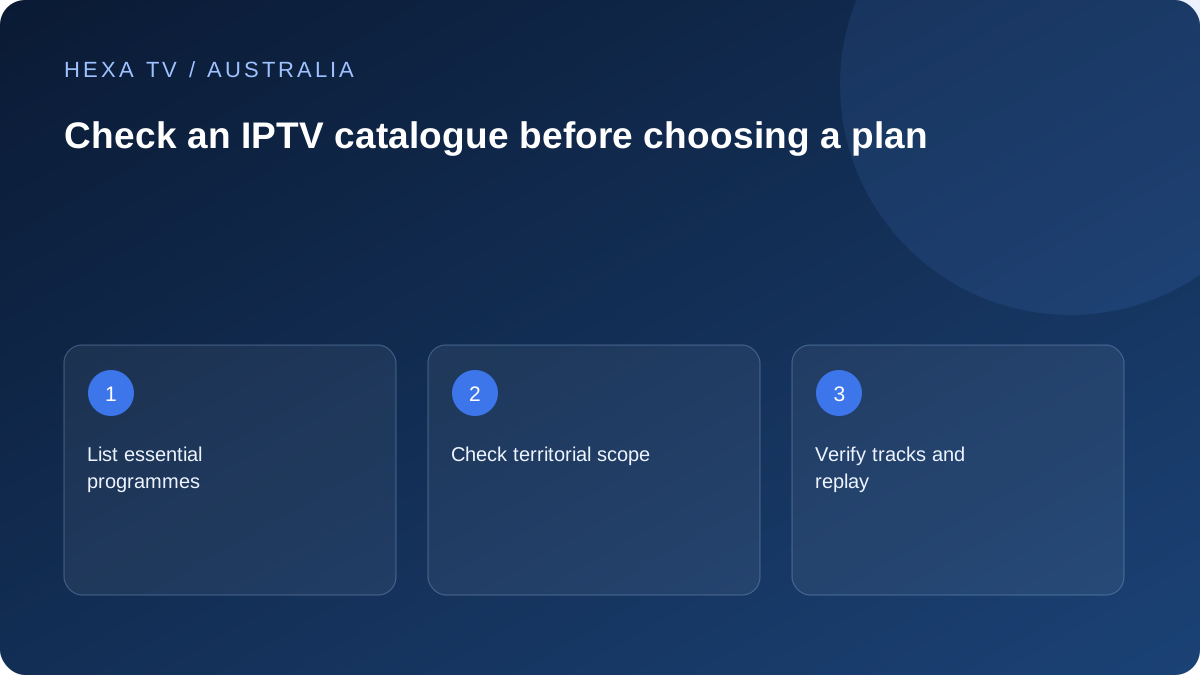
Build a small Australian essentials list
Write the actual programmes, channels, language tracks and live events that would determine the purchase. Distinguish live, replay and on-demand use.
Compare the official Australian viewing route for each essential item with what a proposed third-party account claims to add.
Ask for territory and date
Request the current catalogue for your specific Australian account. A list from Ireland, the UK or another market is not evidence that the same sources are offered here.
Keep the answer dated and separate from a limited test. A successful source today does not establish a permanent undertaking about every item.
Check the feature attached to the title
Record the required resolution, subtitles, audio and replay window for the actual source. Duplicated HD and SD entries may not add meaningful value for the household.
No verified territorial channel inventory has been supplied for HexaTV's Australian offer. Editorial links to ABC, SBS, Seven, Nine and 10 are official alternatives to assess, not subscription inclusion claims.
Write an Australian essentials sheet
List the actual programme, event, film or channel edition needed. Add the viewer's location, intended device, live or replay preference and required language or accessibility feature. Separate essential items from nice-to-have extras so a large catalogue total does not obscure a missing requirement.
For local news, the relevant edition can matter. For sport, the fixture and coverage type matter. For a film, the year and version matter. A familiar brand logo cannot answer all of those questions, and a list prepared for another country should not be treated as the Australian account's scope.
Use a structured evidence table
The table below is a practical household record, not a certification of any provider's catalogue.
| Requirement | Current information needed | Result to record |
|---|---|---|
| Specific local bulletin | Correct edition and current official schedule | Confirmed route, unavailable or unresolved |
| Live sports event | Fixture-specific authorised viewing information | Live coverage versus highlights or replay |
| Film with required language | Exact title, year and supplied tracks | Listing only or observed on the intended device |
| Captions or audio description | Programme and platform-specific support | Actual feature, not a general app badge |
| Catch-up programme | Availability window and supported replay route | Current playable item and expiry if shown |
| Several household screens | Concurrent allowance and location conditions | Permitted use rather than installed-app count |
| Main television | Exact model and supported app path | Documentation plus any actual check |
Ask which list applies to the proposed account
Request a current Australian catalogue or a clear answer about the small essentials list. Identify the proposed package and ask whether the answer applies to that account. Keep the date and source of the information, particularly when the purchase is motivated by one event or series.
Treat an old screenshot, overseas review or another customer's list as background, not a promise to your household. If an essential item cannot be confirmed, leave it unresolved. A seller's large headline count is not independent evidence that the one required programme is available in the right form.
Keep official broadcaster evidence in its proper scope
ABC, SBS, 7plus, 9Now and 10 each publish information about their own viewing routes. A programme available through an official service can be a useful household option, but it does not establish inclusion or redistribution permission in another subscription.
ABC's programme-expiry guidance also shows why current availability matters. A watchlist or historic search result can outlast a programme's viewing window. Use the actual programme page for the planned date and do not transfer one broadcaster's window to an unrelated provider or another title.
Verify features on the actual item
Open the track and playback controls for an authorised available item on the intended screen. Check the required captions, spoken language, audio description, pause, seeking or resume feature individually. A menu existing in the app does not prove the source supplies every option.
SBS's accessibility information is useful for understanding its own caption and audio-description routes. If a feature is essential, inspect the programme and device-specific guidance. A third-party title with similar artwork should remain a separate unverified source until its own offered version has been checked.
Label a trial result honestly
A short successful test demonstrates a particular source, device and time. It does not prove uninterrupted future delivery, every catalogue entry or the rights behind redistribution. Keep the app version, programme and viewing route with the observation.
If only a browser was tested, do not mark the television as tested. If the provider merely confirmed a title in writing, label that as a provider claim rather than a field result. This distinction helps the household understand what is known before accepting a longer commitment.
Consider what is already available to the household
A working Freeview-related or official broadcaster route may already meet part of the essentials list. Record it alongside the proposed subscription so the paid offer is evaluated for its additional benefit. Do not count the same programme twice simply because it appears in several interfaces.
Practical operation also matters. One route may be easier for the person using the remote, while another offers a needed replay or track. Compare those differences on the actual screen. A single large player interface is not automatically more convenient for every household.
Turn the shortlist into a purchase or renewal decision
Mark each essential as supported by current information, observed in a limited check, unavailable or unresolved. Identify the unresolved item that would change the decision. Then compare duration and simultaneous-screen allowance against the verified use.
An annual term does not add an absent title, and more concurrent streams do not improve a missing caption track. Recheck the essentials before renewal or a time-sensitive event rather than relying on last year's list. The appropriate outcome may be a suitable offer, a shorter commitment, another authorised route or waiting for a clear answer.