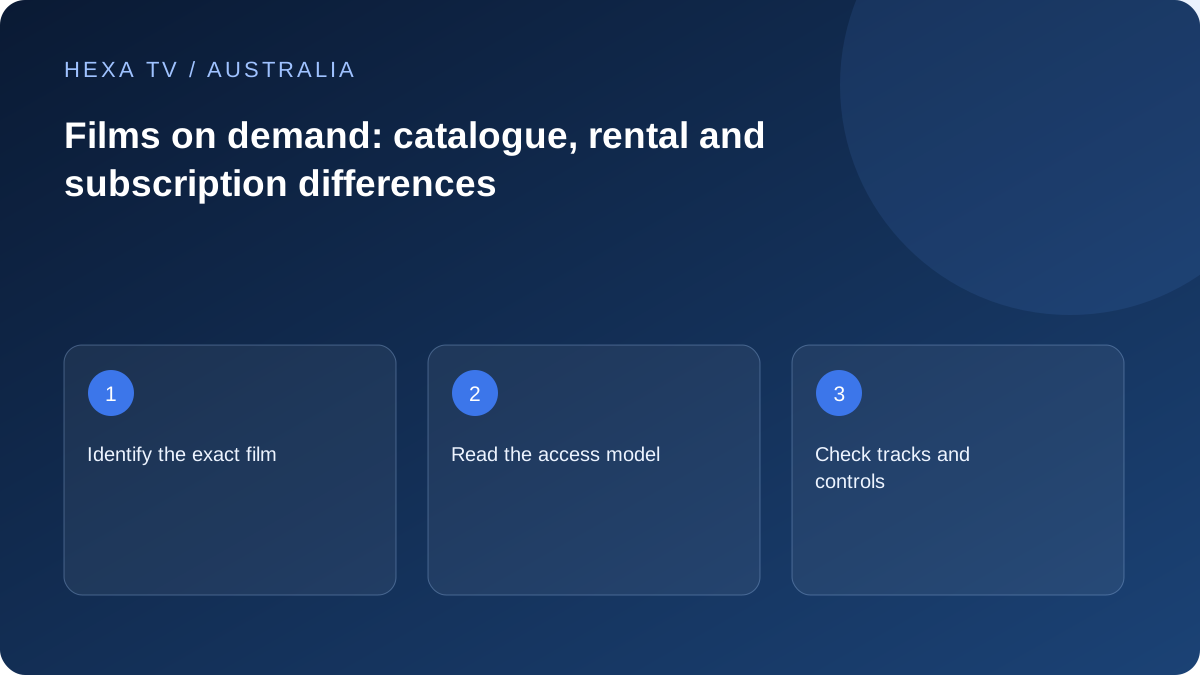
Find the precise Australian catalogue item
Use the title, release year and required language to identify the actual film. A cover image or search result can lead to a rental, purchase or subscription item with different terms.
Check the programme's territorial availability and expiry details through the service offering it.
Compare the access model
A subscription library, a time-limited rental and a separately purchased title are not interchangeable. Record the payable amount and window for the specific item.
Where an IPTV provider advertises an on-demand library, ask for the current Australian scope. No studio catalogue or title is certified as included by this guide.
Test the controls that affect the evening
Check subtitles, audio tracks, pause, seeking and resume on the intended device. If another household device is used later, verify whether progress synchronisation is actually supported.
For a failure, record the title and playback position or action. A single unavailable film should not be treated as proof that every app or the NBN service is faulty.
Use a title list that can be verified
Write the film's title, release year, language requirements and the screen on which it will be watched. A remake or similarly named title can otherwise satisfy a superficial search while missing the household's actual choice. Inspect the playable programme page, not just promotional artwork.
For an Australian account, use that service's current local listing. A catalogue page for another country may show a different item or access model. Do not assume that a foreign review or search result establishes what your household can play tonight. Record the date of the check if the title is the reason for paying.
Choose the appropriate access model
Subscription access, individual rental and a platform purchase answer different needs. Read the full conditions for the item, including any start deadline or viewing window. A purchase label should be understood through the platform's terms rather than as a promise about every future device or country.
A broadcaster's on-demand catalogue is another route. ABC's expiry guidance explains why its programmes have availability limits; use the expiry information for the actual item. A saved watchlist entry should not be treated as a reservation that extends a programme's window.
| Viewing pattern | Comparison to make | Detail that can change the answer |
|---|---|---|
| One specific film tonight | Available rental, included subscription and official catch-up routes | Exact edition and required tracks |
| Several films over a month | Complete subscription cost versus selected rentals | Whether the desired titles are actually included |
| Start now and finish later | Resume support and access window | Deadline after playback begins |
| Move between tablet and TV | Supported devices and progress behaviour | App-specific synchronisation |
| Watch with accessibility needs | Actual captions, audio description or language tracks | Programme and platform differences |
Use an honest worked cost example
Imagine a fictional A$6 rental and a fictional A$16 monthly subscription that includes the same desired versions. Two rentals total A$12; three total A$18. The subscription might therefore suit three planned viewings but not two, provided there are no additional relevant charges or differences in the required features.
These numbers demonstrate the calculation only. They are not Australian HexaTV prices or quotes from a real service. If the subscription lacks one essential title, add the cost of obtaining that title separately rather than pretending every library is interchangeable. Compare the complete evening's needs, not just a headline monthly fee.
Test viewing controls before settling in
On the intended device, inspect the available tracks, pause and seek controls. Try resuming an available item after leaving the app. If the household changes devices during a film, check that workflow directly rather than assuming the same account guarantees matching progress everywhere.
SBS provides separate information about captions and audio description. Use those programme and device details when accessibility is important. A third-party copy with similar artwork does not establish the same tracks. Keep a missing feature marked unknown or unavailable until the offered source itself has been checked.
Distinguish a film fault from a household-network fault
A failure at the same timestamp in one item deserves a precise title-specific report. Random interruptions across several unrelated apps and devices suggest a broader comparison is needed. Keep the first observation narrow before changing equipment.
Record whether another available film plays in the same app, and whether the affected item behaves differently on another supported device. Do not change the network, app version and audio output together; a changed result would then be difficult to interpret. Preserve any working route while support investigates the failing one.
Maintain a useful watchlist
Group the household's list into ready to watch, needs availability check and already watched. Include a service name only after confirming the actual current route. Where an expiry date is displayed, keep it with that title rather than assigning a generic deadline to the whole catalogue.
This small routine helps avoid paying for a month because of titles that have already left or were never included locally. It also makes a later renewal decision clearer: the household can see which remaining films justify the next payment and which would be better obtained individually through an authorised service.