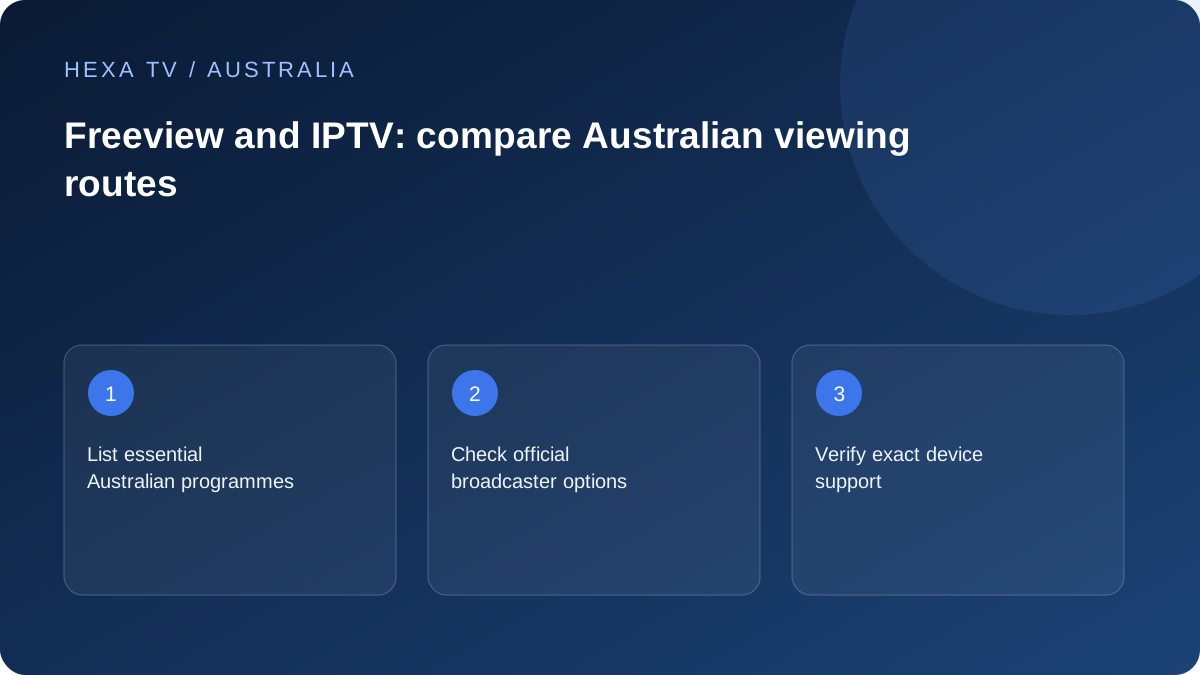
Start with the official Australian viewing routes
Freeview Australia's official information points viewers to ABC, SBS, Seven, Nine and 10, including their broadcaster-operated viewing services. Its certified-TV experience combines the appropriate television and connectivity setup. Check the instructions for your exact television and reception route.
Do not confuse Freeview Australia with similarly named services in other countries. Device advice and channel availability from a UK or New Zealand page should not be copied into an Australian setup decision.
Separate aerial reception from online playback
A television can receive channels through an antenna and run an internet app on the same screen. Those paths have different fault checks. Missing broadcast reception calls for the reception and tuning guidance; a buffering app calls for account, device and network checks.
List how each programme currently reaches the television. If you are helping another household member, write the actual input or app name beside it. This avoids a new remote-control routine being mistaken for a missing channel.
Check each broadcaster's device list
ABC iview and SBS On Demand maintain their own supported-device guidance. App availability for one broadcaster does not prove that every other broadcaster supports the same old television. Check the model and system version before buying a box or promising a complete replacement.
An online catalogue can differ from a linear schedule. Search for the specific programme or live stream, its expiry information and any regional condition. Keep those details separate from the claims of a third-party IPTV provider.
Build a viewing comparison around actual needs
Use one row per important programme, including live news, sport, children's viewing and language preferences. Record the official route, required device, account requirements and any separate subscription charge. Then assess what a paid IPTV offer would add.
This method can reveal that one missing feature matters more than a headline channel count. It also stops the same broadcaster logo being counted as proof of both technical compatibility and inclusion in an unrelated package.
Keep territorial catalogue claims explicit
This guide does not certify the inclusion of ABC, SBS, Seven, Nine, 10 or any premium channel in a subscription. The editorial guides identify official services to help you compare your options. The territorial catalogue still needs to be confirmed for the intended account.
HexaTV prices and payments are in euros, not Australian dollars. Check the applicable terms and essential catalogue before payment; a displayed price does not confirm channel inclusion.
Check the address, equipment and app separately
Freeview Australia's site includes a location selector for the services relevant to an area. Use the actual address context and current equipment details; a screenshot from another state does not establish the same schedule or reception arrangement. Keep the aerial connection and internet connection identified as separate inputs to the setup.
For a new television or external device, verify the precise model against the applications you need. A manufacturer's brand being listed does not mean every model has identical support. If buying hardware, obtain confirmation for the actual model number and the Australian store before treating it as a solution.
Make a programme-first comparison
Begin with five or six real viewing needs rather than a total number of channels. Include the way the household watches each one: live bulletin, a later episode, a language-specific film, or an event at a scheduled time. Then record the official service, device route and any account requirement.
If the same programme appears through several routes, do not count those as several new benefits. They may instead provide convenience or a fallback. A third-party package should be assessed on what it demonstrably adds, with its own territory and catalogue evidence, not on the presence of familiar broadcaster logos.
An example of a useful comparison sheet
This table is a blank decision framework with illustrative needs. It does not certify that any particular title, stream or feature is supplied.
| Household need | Check through the official service | Device question | Unresolved item to retain |
|---|---|---|---|
| Live local bulletin | Correct feed and local schedule | Can this TV or box open the relevant live route? | Record timezone and regional selection |
| An episode watched tomorrow | Actual on-demand listing and expiry | Are navigation and resume controls usable? | Do not assume a live listing creates a replay |
| Language or accessibility choice | Tracks attached to the selected title | Can captions or alternate audio be selected? | Keep the exact required language noted |
| A child's viewing routine | Programme suitability and available controls | Can the ordinary viewer exit restrictions? | Test device and app controls separately |
| Two simultaneous viewers | Each service's own account rules | Are both devices supported? | Do not substitute a device count for concurrency |
Do not overlook the antenna when assessing the TV
An internet app can be working while the television's aerial reception is not, and the reverse can also happen. Identify whether the viewer is inside the TV's live environment, a broadcaster app or an HDMI device before investigating a missing channel.
For reception work, use the relevant official reception and equipment guidance and obtain suitable installation advice where necessary. Do not climb onto a roof or alter an antenna installation based on a streaming-app checklist. For an application fault, preserve the receiver configuration and investigate the application, account and network path.
Include nbn and home Wi-Fi without conflating them
An online service uses the household's internet connection, but the local Wi-Fi link can be a separate constraint. Note whether the TV is wired to the router, using wireless in the same room, or connected through a mesh node. A successful laptop session near the router does not measure every television location.
When several apps are affected, collect a simple connection comparison before buying a new broadband tier. When one title alone fails, start with its availability and the broadcaster's support route. The right response depends on the observed scope, not on the assumption that all online television faults originate with nbn.
Test the complete remote-control journey
A technically supported app may still be awkward for the person using it every day. Start from the television being off, then practise selecting the correct input, opening the service, finding a programme and returning to ordinary viewing. Check volume and captions from the sofa, not only beside the screen.
If account linking is required, complete it through the official service and keep codes private. Save a household instruction card with app names and input names, not passwords. A short repeatable routine is a better acceptance criterion than leaving a newly configured television playing one demonstration.
Keep the financial comparison honest
Separate existing broadband, any new hardware, player software and paid content. Freeview's own service information should not be confused with a quote for a television, antenna installation or internet plan. Use actual supplier prices when comparing equipment choices.
HexaTV prices and payments are in euros. They should not be read as Australian-dollar amounts. Until the catalogue and applicable terms are confirmed, use official viewing routes as a baseline and keep any unverified inclusion claim clearly identified.