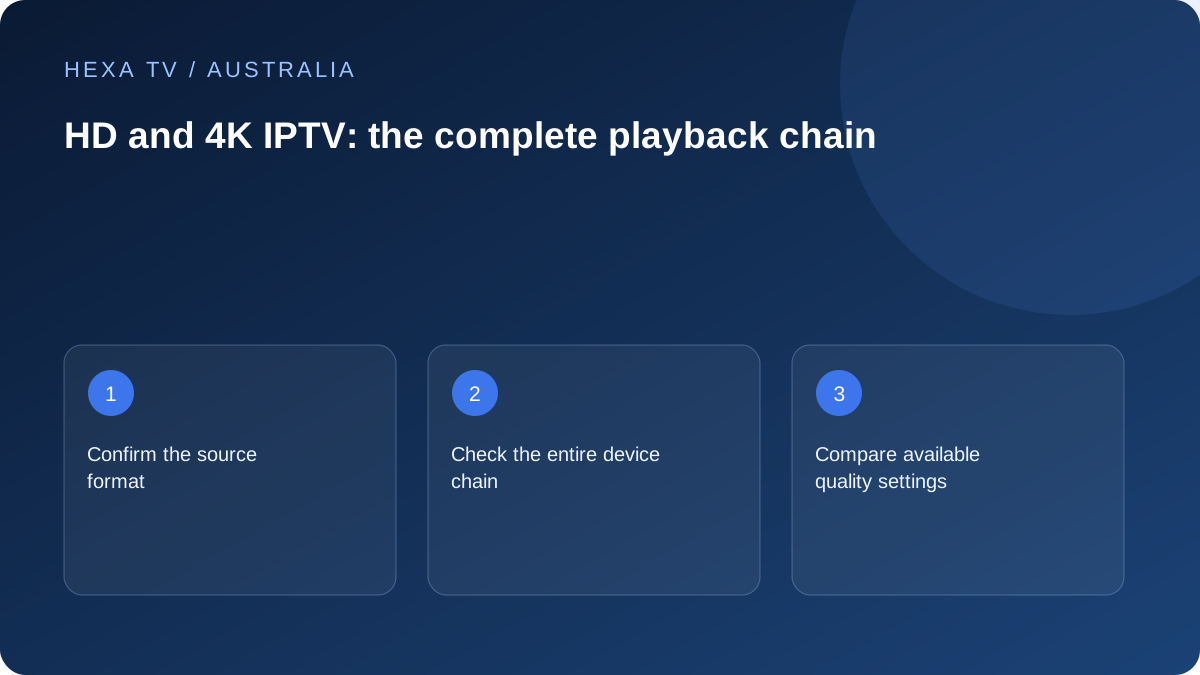
Ask for the actual source format
An Australian offer should identify which supplied programmes support the desired quality, not merely place a 4K label near a channel list. Check the exact title or stream and territorial account scope.
Keep resolution, HDR, motion handling and audio as separate requirements. One specification does not summarise them all.
Trace the lounge-room path
List the app, streaming device, any receiver or soundbar, TV input and display. Check the supported mode for every relevant stage using the model manuals.
If a format fails, compare an available supported alternative without changing the account. Record whether the source or output setting changed.
Decide from the actual viewing benefit
Use the normal seat and screen. A higher mode may matter differently on a small secondary display than on the main TV, and it may use more capacity depending on encoding.
An account allowance or NBN tier alone does not guarantee a particular picture. Resolve compatibility and measured delivery before purchasing hardware for an advertised format.
Start with the programme you actually want to watch
Choose a specific film, series episode or live source. Ask which version the service supplies to an Australian account on the intended app. A provider's maximum advertised resolution is not a description of every item, and a television's specification is not a description of the incoming video.
Make a distinction between a source delivered at a higher resolution and a device scaling a lower-resolution image to fill its screen. Both can produce a full-screen picture, but they are not the same evidence. Where the app supplies playback information, record what it reports without treating that display as independent verification of the provider's entire catalogue.
Turn the lounge-room equipment list into a decision table
The television is only one stage. Include an external streaming box, receiver, soundbar, switch or adapter if the signal passes through one. For each stage, identify a supported mode in the relevant manufacturer's documentation.
| Household requirement | Check before spending | Possible decision |
|---|---|---|
| Watch a particular official app | Exact TV or external-device support | Use the supported existing route if it meets the need |
| Use an HDR version | Source availability and every relevant HDMI stage | Resolve the incompatible stage, not the whole room |
| Keep the current soundbar | Its documented video and audio path | Use a manufacturer-supported arrangement |
| Watch on a secondary small screen | Actual benefit from the normal distance | A simpler quality option may be sufficient |
| Run several streams together | Account allowance and measured household delivery | Capacity and format must both be suitable |
| Reduce data use | Available quality controls and actual usage | Select a supported lower option when acceptable |
Use a manufacturer example carefully
Apple's guidance for Apple TV 4K explains that display modes, the selected HDMI input and intermediate equipment can affect 4K and HDR operation. It also describes checking the HDMI connection on that device. This is useful evidence for an Apple TV setup, not a universal menu path for every Android or smart-TV player.
If your hardware is different, locate the equivalent official instructions using the exact model. Do not copy an enhanced-input setting from another brand or assume every socket supports the same mode. Keep the old setting recorded so an experiment can be reversed if the screen disappears or colours become incorrect.
Run a fair picture comparison
Use the same programme segment, screen and seat for each available quality option. Leave the television's picture controls unchanged initially. Judge the aspects relevant to normal viewing rather than standing unusually close to the screen to find a difference the household would never notice.
A short comparison can reveal visible improvements and interruptions, but cannot establish long-term reliability. If the source has variable quality, note that the option is adaptive rather than recording the highest badge as the continuous delivered result. Repeat the most important check during ordinary household use before deciding that a new plan or device solves the problem.
Relate quality to the home network without blaming the nbn tier automatically
The nbn connection and the Wi-Fi link to the television are separate parts of delivery. If a supported wired comparison improves playback on the same device, investigate the local wireless path. If several unrelated services fail on multiple devices, the retail provider may need broader connection evidence.
A lower quality option reducing interruptions does not by itself identify whether the limitation is the source, network or device. Record it alongside the wired comparison and other working services. Buying a higher retail speed tier before understanding those observations can leave the actual bottleneck unchanged.
Estimate usage from a stated bitrate, not a resolution slogan
For illustration, a stream averaging 8 megabits per second for two hours uses about 7.2 decimal gigabytes before additional traffic. Two comparable simultaneous streams would roughly double that amount. This calculation is not a claim about the bitrate of any HexaTV, ABC, SBS or other service.
Adaptive delivery, programme length and background downloads can change the total. If the household relies on an allowance-limited connection or a temporary hotspot, check current usage and plan conditions. The useful quality choice is one the household can sustain while retaining the picture and accessibility features it needs.
Make a specific upgrade decision
Write one sentence describing the limitation and one describing the proposed improvement. For example: 'The current TV cannot install the official app we need; a documented supported streaming device would add that route.' That is more actionable than 'We need a newer TV for IPTV.'
Where the limitation is an unavailable programme version, equipment replacement may not help. Where the current picture is satisfactory, keeping the existing setup can be the sensible outcome. A quality guide should help you choose a suitable viewing path, not imply that every household needs the most expensive hardware or subscription.