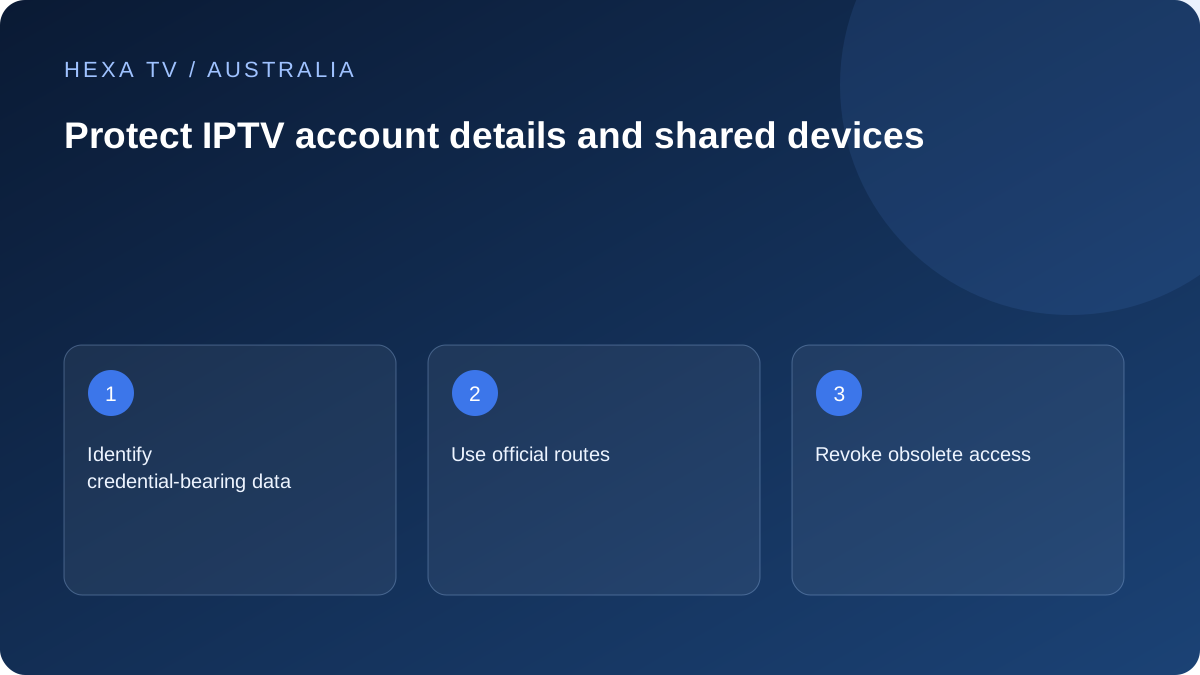
Audit what a screenshot reveals
A playlist or guide address can embed account tokens. Check every settings image before sharing it and redact private links, passwords, activation codes and payment details.
Use a non-secret account reference in fault reports. Store the actual credentials separately from the support notes.
Verify the destination before entering details
Use the app publisher's or provider's official account route. A lookalike activation site or an advert above a search result can be unrelated to the product on the television.
For official Australian broadcaster apps, follow their own activation instructions. Do not assume a helper asking for payment belongs to the broadcaster.
Close access when the device changes hands
Follow supported sign-out and device-removal processes when replacing or selling equipment. Removing an app may leave a server-side session valid.
If a private link has escaped into a shared conversation, ask the provider to revoke or replace it. Deleting the message does not change the credential that may already have been copied.
List the separate identities on a shared screen
A smart television can hold an Apple or Google account, several broadcaster accounts, a player licence and a separate content subscription. Label them privately by supplier so recovery is directed to the right place. A 10 activation issue is not a reason to share an unrelated player password.
Pay particular attention to the email account used for recovery and receipts. Use the provider's stronger sign-in options where available. Australia's cyber security guidance recommends unique strong credentials and explains how password managers can help; those measures should be applied to supported accounts without assuming every IPTV system offers the same features.
Keep activation on the broadcaster or publisher's route
Official Australian services have their own linking instructions. For example, 10's activation guidance identifies its free ad-supported service and warns that activation does not require card details. Treat a card request on a lookalike page as a reason to stop and verify, not as an inevitable television setup fee.
Use the address reached through the legitimate app or published official help. A sponsored search result with a familiar logo may be unrelated. If a code expires, follow the service's refresh process rather than sending it to a supposed activation agent.
A safe evidence-sharing checklist
Check the entire image or file before forwarding it, including information outside the main error box.
| Item | Safer handling |
|---|---|
| Device and app version | Include the relevant model and version |
| Programme and error | Share the title, local time and redacted message |
| Account URL or QR code | Treat as potentially secret |
| Password or authentication code | Keep out of public reports and unknown helpers' messages |
| Order reference | Share only through the verified supplier's appropriate route |
| Settings backup | Assume it may contain tokens until inspected |
| Receipt image | Remove unrelated personal and financial information |
Use a private credential record, not a household noticeboard
Keep login secrets apart from the simple note explaining which input and app to open. A password manager can provide a protected place for supported account credentials, but the chosen tool's recovery and sharing features need to be understood.
Do not place a complete playlist link in a public bookmark collection or an unprotected shared document. A long URL can function like a password even if no field is labelled secret. App configuration sync should be assessed through the publisher's own information before uploading it.
Respond promptly when access details escape
If an account link or password has reached an unintended person or public location, contact the legitimate supplier about revocation or replacement. Removing the visible post does not make copies unusable. Ask whether existing sessions also need to be ended.
For a reused password, secure the other affected accounts through their independent official routes. Preserve a non-secret incident note with the exposure time and action taken. Avoid spreading the credential further while explaining the problem.
Treat remote-help requests as a separate decision
A source failing on one television does not automatically require someone to operate the whole device, router or computer remotely. Start with the relevant redacted error and setup details. If more access is requested, verify the supplier and understand the scope before agreeing.
Do not follow instructions from an unexpected caller to disable protections or reveal one-time codes. Apple's anti-phishing guidance describes this kind of impersonation risk. Reach the company through its established contact route when a request is suspicious.
Clear old devices and accounts deliberately
When a streaming device changes hands, first retain personal material that must be kept, then use supported sign-out and reset procedures. Check account-side device or session removal separately where the service offers it. The device manufacturer and content provider can control different parts of this process.
Removing an application does not necessarily cancel its associated subscription, and cancelling payment does not necessarily remove a login saved on the hardware. Make a small checklist covering each relevant account rather than relying on one action to perform all of them.
Check the ordinary guest or child experience
A favourites list can simplify navigation without restricting access to the full catalogue. Device controls and app controls may also cover different things. Test the actual restricted path using the normal remote and keep the authorised adult's recovery route private.
A guest should be able to operate the intended viewing routine without receiving unnecessary account secrets. If a shared screen exposes settings that matter, use the supported controls and review the arrangement after device or app changes.
Keep the limits of a security checklist clear
These steps reduce avoidable exposure but do not certify a content provider's security, payment handling or distribution rights. A legitimate-looking player store listing also does not validate every account imported into it.
This guide does not establish that account delivery has passed a security audit. The actual support, recovery and payment processes need to be described accurately. The user's immediate task is to keep private credentials out of public setup and troubleshooting material.