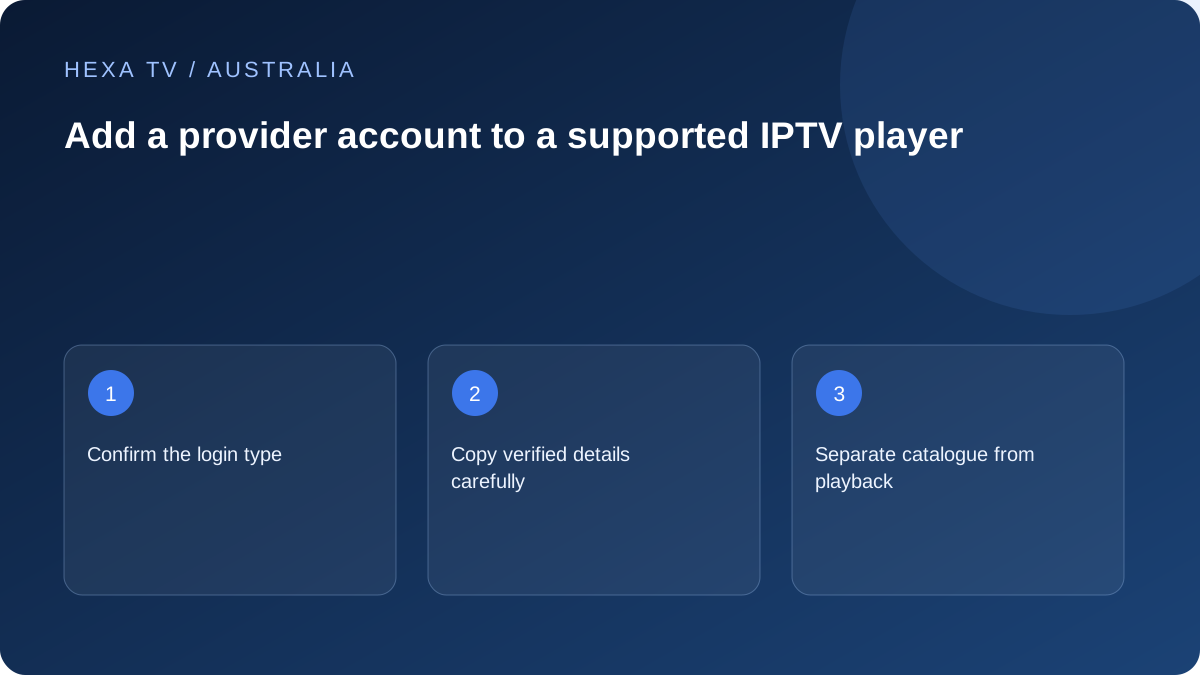
Choose the provider's actual account method
The player may offer multiple forms: separate server credentials, a playlist address or another portal method. Select the one explicitly supplied for your account rather than trying every option.
Copy the confirmed details carefully, including punctuation and any required port. Do not test the password against addresses found in search results.
Verify three milestones
Record whether the account is accepted, whether the catalogue arrives and whether an available programme plays. A success at the first stage does not guarantee the last.
If a second device is involved, stay within the stream allowance. A limit error can be introduced by the test itself if the first session remains active.
Keep a safe Australian setup note
Save model, app version, account label and the provider's support route, with the date and timezone of the first check. Store secrets separately from notes you may share.
When hardware changes, ask about registered-device and active-session rules independently. A new television does not automatically receive a separate player licence or a higher account allowance.
Keep platform, player and content identities separate
The account used to obtain an app from a device store may not be the account used to watch programmes. A player can also have a separate licence or activation portal. Identify the owner of each form before entering information.
For an Australian household with several broadcaster apps, do not assume the ABC, SBS or Nine account is accepted by a generic player. Each service uses its own documented route. A familiar email address appearing in several products does not make their passwords interchangeable.
Read what was supplied before choosing an account type
Find the provider's setup instructions and identify whether they describe a full playlist URL, separate server credentials or another supported method. Match that to the app's actual form. Do not derive a new address by guessing from a tutorial for a different service.
If a form asks for information the provider did not supply, ask for clarification through the verified route. Avoid trying the password against several search-result domains. A failed guess can reveal the secret without helping the intended account work.
Three milestones make a setup result clear
Record the first unsuccessful stage instead of using one broad description such as login broken.
| Milestone | What success establishes | What it does not establish |
|---|---|---|
| Account accepted | The app accepted the submitted method at that stage | Every programme is available |
| Catalogue loads | The account's listing arrived | Every listed source will play or has replay |
| Programme plays | That item worked on the tested configuration | All devices, tracks and future sessions are proven |
| Required control works | The chosen subtitle, audio or navigation task succeeded | Every title supplies the same feature |
Handle activation codes through the actual publisher
Some official services link a television using a code and a second device. Follow the code screen and the publisher's current help, checking the destination before submitting. If the code expires, obtain another through the documented process.
The existence of a linking code does not justify a payment to an unknown helper. For example, 10's official activation guidance distinguishes its free ad-supported setup from a card request on a lookalike page. Use each broadcaster's own process rather than a universal activation website.
Check input errors privately and once
Compare the copied values with the original private record, including spaces, punctuation and any specified scheme or port. An on-screen keyboard can make a small error difficult to see. Do not put the secret into the account's display name merely to make comparison easier.
After one careful verification, retain the exact error and contact the provider if it persists. Record device and app versions and the Australian time and timezone. Repeating the same rejected attempt does not add useful evidence.
Keep concurrency out of the first-device test
Establish the first supported screen before opening extra sessions. If another television is already playing, stop it where the account allowance requires that. A maximum-connections message belongs to the session rules, not necessarily to the password.
On a replacement device, check any account-side removal process and player licence separately. Signing in does not automatically transfer a paid software licence or create another permitted stream. Preserve the old working setup until the new route has passed its own checks.
Create a household note without account secrets
Save the app name, input, account label and ordinary navigation steps. Keep the complete playlist address, password and activation tokens elsewhere in a private credential record. Review QR codes and address fields before sharing a screenshot.
If an import works but a particular source fails, keep the login configuration and investigate the source rather than rebuilding every field. If guide data alone is missing, use the EPG route. These boundaries preserve useful progress.
Finish with the actual viewing task
Try one confirmed available programme with the intended audio and captions, then return to it from the normal home screen. Let the person who uses the television repeat the steps. A technically accepted account is only part of an everyday setup.
When support is needed, name the first failing stage and what still works. That gives the supplier a focused question without exposing the account publicly or blaming the nbn connection for an unconfirmed account-method mismatch.