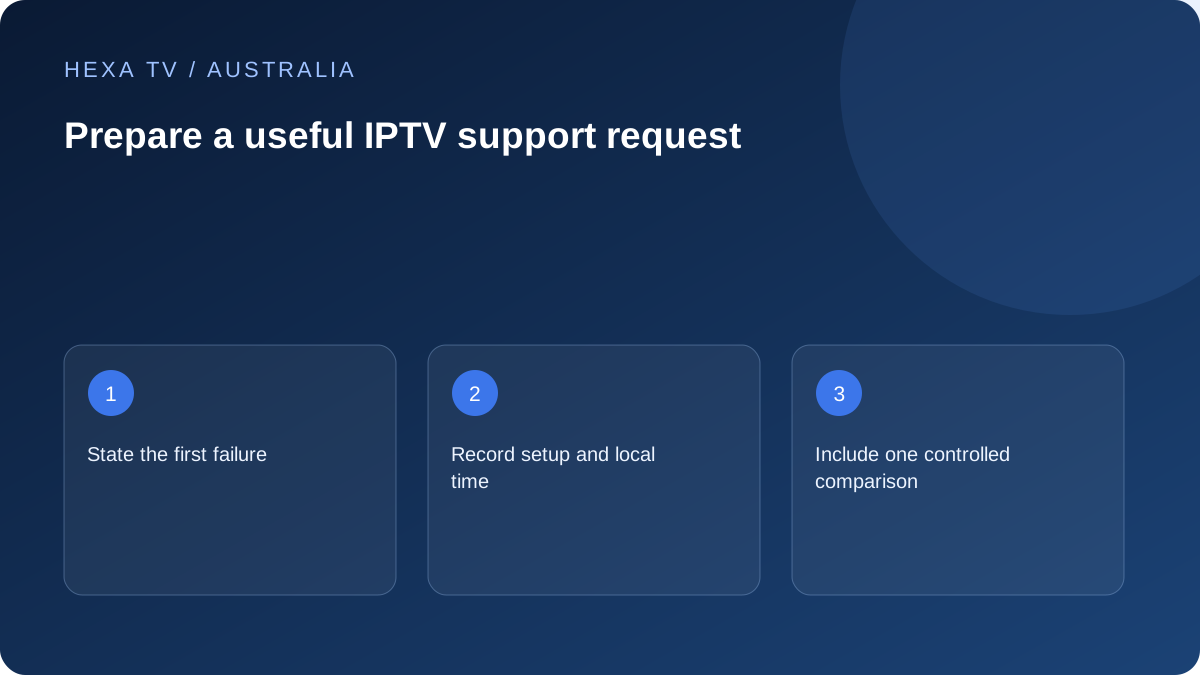
Write one reproducible Australian report
Name the first failing action, exact error and local date, time and timezone. Include the television or streaming-device model, system version and player version.
State whether the account fails, the catalogue is empty or a particular source does not play. A clear stage is more useful than 'IPTV is broken'.
Add a controlled comparison
Describe what still works and the single condition you changed. For example, record whether the same source behaved differently over Ethernet on the same TV.
Keep the observed result separate from your theory. A comparison is evidence to investigate, not proof of an outage or intentional blocking.
Choose the responsible support route
The content provider handles account and catalogue questions; the player publisher or manufacturer may handle app faults; the retail internet provider handles its service. An NBN-related symptom still needs the actual retail support process.
Redact secrets and use the established private channel. Support hours and response commitments have not been established in this guide. Any stated hours need an explicit timezone.
Route the request to the team that owns the failing part
A retail internet provider can investigate its connection; it cannot infer a content account's entitlement from a television screenshot. A broadcaster or content provider can check its programme and account state; it may not control an independent player's interface. Name the app and service separately so the request reaches the right team.
For a device-level problem, include the exact hardware and whether its normal menus work. For a source-specific failure, include the programme and time. The evidence can help several teams, but the initial question should be clear about what you need this recipient to inspect.
| First failure | Appropriate starting point | Useful evidence |
|---|---|---|
| Device does not show a picture | Manufacturer's support route | Model, selected input and connection chain |
| App exits or freezes | App publisher or platform support | Version and repeatable sequence |
| Account cannot be accepted | Service's verified account support | Method, error and non-secret reference |
| One programme unavailable | Service supplying that item | Title, episode or channel and current listing |
| Several services fail across the house | Retail internet provider | Access type, devices and connection comparisons |
| Unexpected payment request | Verified service or payment-provider route | Destination and transaction details privately |
Use Australian local time precisely
Write the date, local time and city or timezone. A report saying last night can be ambiguous when the service team, broadcaster and viewer are in different locations. For on-demand material, add the playback position; for live material, add the exact source and event.
If you compare another device, state whether it used the same household network. A phone switching to mobile data changes the route and should not be described as an identical test. These details let the recipient understand what the comparison can and cannot show.
Provide a compact reproducible example
Start with the first failed action, then list the environment, one working control and the result of one relevant change. Finish with a specific question. Avoid a long list of speculative causes such as blocked ports, faulty servers or unsupported codecs unless those have actually been established.
A fictional example is: 'At the stated local time, the TV app accepted the account and loaded the catalogue; one episode stopped at the same position twice; another episode played; the same item stopped on a supported tablet using the same home network. Please inspect that episode's current source.' Replace the details with actual observations.
Protect credentials while supplying evidence
Redact account passwords, activation codes, complete playlist links and payment details from screenshots. A long address can contain access tokens even if it is not labelled password. Share only the minimum private information the verified support process actually requires.
The Australian Cyber Security Centre's account-security guidance supports protecting distinct account secrets. Do not give an unsolicited helper the code that links a device or recovers an account. If a support destination is uncertain, return to the known official app or website and start there rather than following an unexpected message.
Understand a requested reset before agreeing to it
Ask whether the step merely restarts the app or removes its data, accounts and preferences. Confirm that the current app remains supported on the device and that sign-in can be restored before uninstalling it. Save relevant settings through a supported method where available.
For a router change, establish what hypothesis it tests and how to restore the original value. Tell other household users before a shared connection restart. Do not remove security protections or make broad changes simply because the support message uses the word network. Match the action to the observed failure.
Update the ticket only when the evidence changes
Keep a service-provided reference and add concise new observations to the same conversation where practical. Explain whether the requested comparison changed the result. A failed test is useful when its conditions are clear; it narrows the investigation instead of being something to hide.
If the problem resolves without a known local change, say that. Do not claim a particular step repaired it merely because recovery followed later. A chronology of observations is more credible and more useful than an invented root cause.
Keep the final setup and limitations clear
After a supported fix, test the normal household sequence and restore unsuccessful experiments. Record the final configuration, any remaining limitation and the support reference. If a workaround is still required, label it as a workaround rather than a permanent repair.
Remove unnecessary sensitive screenshots and rotate exposed secrets through the relevant service's process. The everyday household note can name the app, input and recovery route without containing credentials. Final support hours and response commitments for the Australian offer have not been established, so this guide does not promise a resolution deadline.