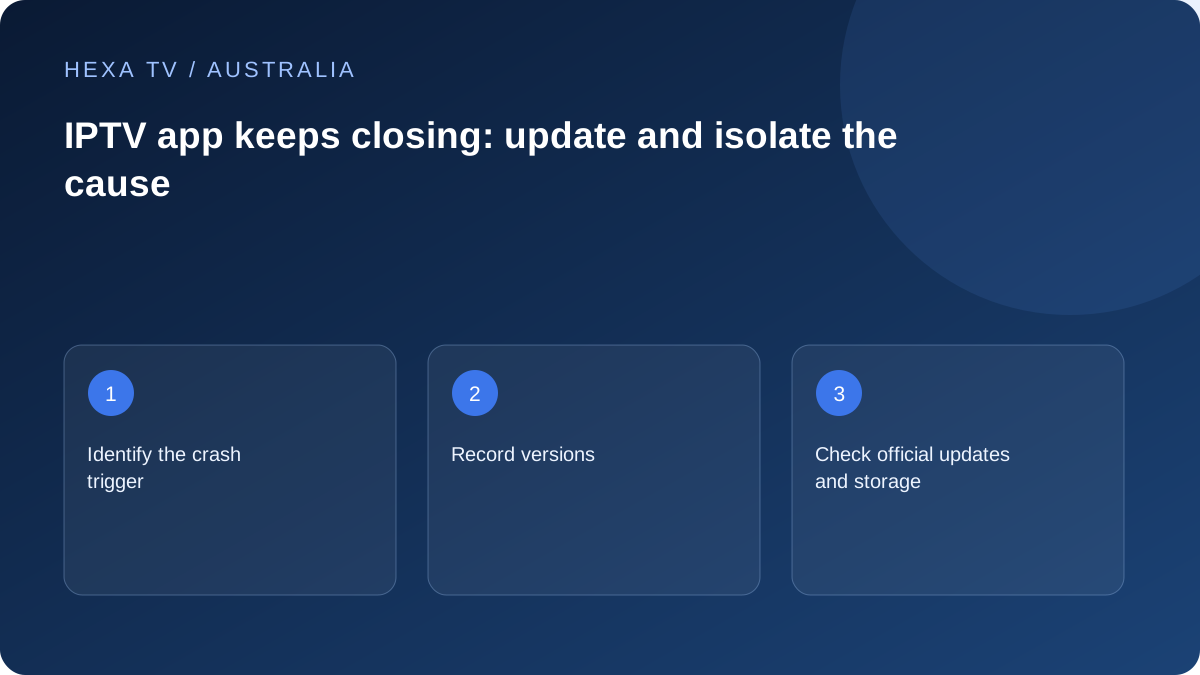
Capture a repeatable action
Write the shortest sequence that closes the app: opening the guide, importing an account or starting a particular source. Include the model, system and app version.
If it closes before any account is added, say so. That scope differs from a crash caused by one catalogue item.
Use official maintenance checks
Check supported updates and the device's own storage information. Do not install an unknown cleaner or assume every crash means the NBN connection is slow.
Repeat the same triggering action after one relevant change. A different programme succeeding does not prove the original crash is fixed.
Protect local configuration
Before reinstalling, identify which favourites, accounts or recordings could be erased and preserve them through supported private means.
If the trigger remains, send the reproducible sequence to the publisher or provider's supported app team. Keep passwords and complete account URLs out of diagnostics.
Confirm that the application actually exits
A frozen picture, loading spinner and return to the TV home screen are different events. Record the visible transition and whether the remote can still open the device's normal menus. If the entire box restarts, include that fact rather than describing only the programme.
A crash does not by itself diagnose an nbn connection problem. Establish whether the failure occurs while opening the app, loading an account, browsing the guide or starting a source. The stage determines which evidence is useful.
Construct a short repeatable sequence
For example, a report might say that opening a particular guide category closes the app every time, while its settings screen remains usable. That is an illustrative format, not a tested defect in any player. Replace it with the actual actions and result.
If one programme triggers the exit, compare a different available programme on the same application. Keep the date and Australian timezone. If the fault occurs before login, there may be no reason to share content credentials with the first support contact.
A crash report that preserves the distinctions
Use the relevant rows; do not fill unknown values with guesses.
| Detail | Why it is useful |
|---|---|
| Exact model and operating system | Identifies the supported platform rather than only a brand |
| App name, publisher and version | Separates similarly named players |
| Last action before exit | Gives a reproducible trigger |
| One item or several | Shows whether source-specific behaviour is involved |
| Other apps or device menus affected | Distinguishes an application problem from a wider device symptom |
| Change immediately before onset | Identifies a possible update or configuration boundary without proving causation |
Follow the appropriate platform recovery path
Official Google TV, Android, Apple and manufacturer guidance describes different controls. Use the article for the actual system rather than copying an Android-phone instruction onto every streaming box. Start with supported close, restart and update checks before destructive recovery.
Test the original action after each step. A different programme playing successfully does not demonstrate that a guide-opening crash has been resolved. If the publisher no longer supports the installed system, ask about supported alternatives rather than downloading an unofficial older package.
Read storage warnings in their own context
If the device displays low-storage or memory wording, preserve the exact message. Those terms can refer to different conditions; a generic warning is not permission to delete arbitrary files. Use the manufacturer's own storage and app-management tools.
LG's published low-memory guidance, for example, is relevant to its supported TV context and notes that products differ. It should not be treated as a universal menu recipe for every brand. Avoid cleaner apps that add another unknown component to the investigation.
Keep a recoverable account before reinstalling
Find out whether removing the player deletes local favourites, account entries or recordings. Preserve the legitimate recovery method privately and note the few settings required to rebuild the setup. Do not upload an entire configuration to a public forum for someone to inspect.
After a documented reinstall, restore the smallest working configuration and repeat the trigger before making many other changes. Keep the former version and observed outcome in the support record. A factory reset of the whole television is a much larger action than reinstalling one app.
Escalate the component that matches the evidence
Use the publisher or supported app team for a reproducible software exit. Include the content provider when a particular source or account import is the trigger. For whole-device restarts or failures across unrelated applications, the hardware manufacturer's guidance may be required.
Name the actual service when official Australian broadcaster apps share the TV with a separate player. A 7plus or ABC iview issue should not be reported as though it were observed in an unrelated account. Clear naming shortens the path to a useful response.