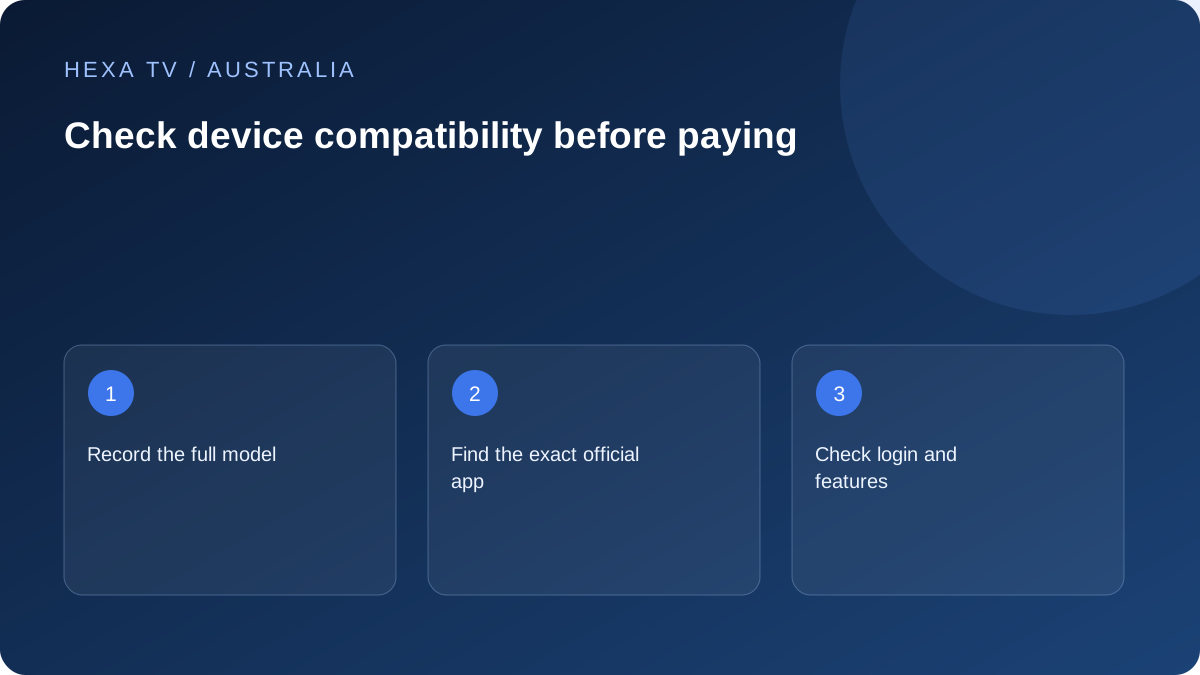
Define the complete Australian viewing job
List the essential IPTV functions and official broadcaster apps used by the household. Identify the main TV and any mobile or secondary screen. A device that supports one player may still miss another essential service.
Use the exact hardware model, system version and genuine Australian app store when checking availability. Brand-level statements are only a starting point.
Check four separate capabilities
First confirm the app installs through a supported route. Then confirm it accepts the provider's account method. Next verify the source formats and audio path. Finally test the everyday interface with the remote or touch screen.
These checks answer different questions. A successful login does not establish a supported video codec, and a displayed picture does not establish usable subtitles or guide controls.
Keep a compatibility record per device
Avoid storing the password or complete account address in this shareable record.
| Check | What a useful answer identifies |
|---|---|
| Hardware | Exact model and operating system |
| Software | Publisher, app version and Australian availability |
| Account | Supported login method and active-session rule |
| Video/audio | Actual source and supported output path |
| Household use | Remote, subtitles, favourites and profiles |
| Evidence | Date, limited test result and unresolved gap |
Assess the TV chain before new spending
If an external streaming device is proposed, inspect TV inputs, power and any receiver or soundbar in the path. Check the manufacturers' supported modes. A panel's advertised resolution is not proof every connected component can deliver it.
Where a built-in app has lost support, a verified external device may be an option. Include the extra remote routine and other broadcaster apps in the decision instead of comparing hardware price alone.
Keep documentation and test evidence separate
An official supported-device list is valuable source evidence. A store listing confirms a software route. A household test can document a specific result on a date. None should be described as a universal compatibility guarantee.
No first-hand HexaTV hardware test has been performed for this guide. The checklist is an original tool for collecting evidence, with the territorial catalogue and complete Australian commercial terms still requiring confirmation.
Decide what must be resolved before ordering
If a required app is absent, a critical subtitle feature is missing or the exact account method is unsupported, resolve that issue before a long commitment. A longer subscription does not change the device's capabilities.
Check that your chosen device and supported app match the intended plan before payment. Account activation follows payment verification; selecting a plan alone does not issue credentials.
Choose a guide for the actual operating environment
A phone running Android, a Google TV streaming device and a television with its own operating system can require different app versions. Use the exact model and platform to select the guide. A mobile app listing does not establish that the same publisher offers a television version.
For Android phones, use the mobile setup guide; for an iPhone or iPad, use the Apple mobile guide. If casting is part of the plan, check that route separately on the sender and receiver. A working phone screen alone does not demonstrate a supported lounge-room experience.
Inspect the official app route before choosing a subscription
Check the actual device store and publisher details where possible. Google, Apple, Samsung and LG each document app installation on their platforms, but that documentation is not a catalogue of every third-party service supported on every model.
If the app is unavailable, establish whether the publisher supports the model before considering another device. A documented external streaming route can extend an older screen's usefulness, but should be evaluated for remote control, accessibility and the existing soundbar or receiver path.
| Household situation | Useful next check | Possible outcome |
|---|---|---|
| Current TV has the official app | Account method and essential programme features | Keep existing hardware if the route meets the need |
| Only mobile app confirmed | Supported casting or mobile viewing requirements | Separate phone success from TV compatibility |
| Older TV no longer supported | Current publisher guidance and external-device options | Choose a specific supported route rather than an assumed brand match |
| App installs, source rejected | Supported input format and account scope | Resolve provider-player compatibility |
| Video works, captions absent | Programme tracks and platform controls | A missing feature can still make the setup unsuitable |
| New soundbar or receiver added | Complete HDMI and audio path | Recheck the changed stage without replacing everything |
Make a practical lounge-room acceptance check
Have the intended viewer perform ordinary actions with the actual remote: open the app, find the required programme, adjust available tracks, pause where supported and return to the home screen. Assess text from the normal seat rather than a close-up screenshot.
If the household uses two screens, check each supported route and the permitted concurrent allowance. A successful main-TV result does not validate an older bedroom model. If someone needs assistance for routine navigation, include that practical limitation in the choice instead of calling the setup compatible solely because installation succeeded.
Distinguish manufacturer documentation from your own evidence
Record the official support source and the date consulted, then separately record any actual device check. Use documented support when no hands-on test occurred. Use observed on this device only when that observation was genuinely made, with app and system versions attached.
A narrow successful sample does not certify every source or feature. Nor does it establish territorial rights or the content provider's future catalogue. Those questions remain separate from device compatibility and should not be hidden behind a green tick for app installation.
Budget a replacement only for a known limitation
State the problem the purchase would solve: no supported app, an output mode the current device cannot deliver, or controls the viewer cannot use. Include required accessories and the practical effect on the existing remote and audio arrangement.
Do not replace a television to fix a source that the service does not supply, or buy a faster streaming box solely because a distant Wi-Fi link is weak. The right change follows the observed limitation. A supported existing device can remain the best choice when it already meets the household's actual requirements.
Keep the record current after meaningful changes
Recheck the relevant stage when an app is retired, a device is replaced or a major software change alters the route. Keep the previous working model and version in the record so support can see what changed. Store only the information needed, not passwords or account-bearing URLs.
Before retiring old hardware, verify the replacement's essential programme, controls and account access. Then remove access from the old device through supported procedures. A completed compatibility decision should leave the household with a usable route and an honest record of what remains untested.