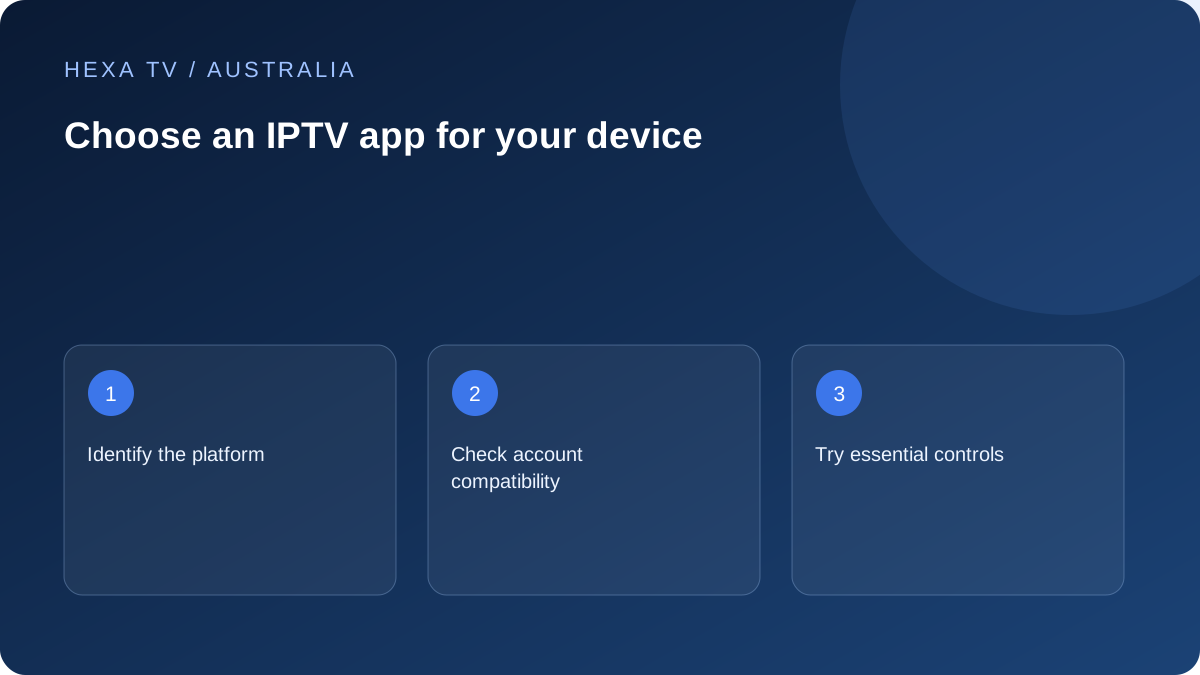
Choose from the Australian device outward
Read the full model and system version of the television or streaming device, then find the provider-supported app in that device's genuine local store. A list of popular phone apps is not a TV compatibility assessment.
Include official broadcaster apps in the household's requirements. The chosen hardware may need to support several independent services, each with its own account and device list.
Make a player feature shortlist
Decide whether favourites, subtitle controls, guide navigation and a simple remote routine are essential. Test those functions on available content. A rich settings menu is not useful if the household cannot find everyday viewing.
Keep source capabilities separate: software cannot supply an absent subtitle track or an archive that the provider does not offer.
Record costs and support ownership
The player may have a separate licence or subscription. Ask whether it applies to one device, multiple devices or a particular account, and whether it transfers on replacement.
Keep the publisher's support route and the content provider's route in different fields. That separation makes a future app crash easier to distinguish from an account or catalogue problem.
Start with the receiver, not a universal app ranking
The useful player for a lounge television may differ from the software suited to a phone or Windows computer. Begin with the exact platform and supported store, then ask the content supplier which account methods it supports. A broad best-app list cannot resolve every device-and-source combination.
Include the Australian applications already needed on the hardware. A streaming box chosen for one third-party player should still be evaluated for the official broadcaster services the household uses. That is a hardware decision as well as a software preference.
Use a repeatable shortlist comparison
Limit the first comparison to a few genuinely supported candidates. For each, try the same available programme and the same ordinary tasks. Record the device, app version and any licence needed so the result describes an actual configuration.
Do not treat a free download as a promise of unrestricted software use. A player may have paid features or a device activation. Compare its full cost and transfer conditions separately from the content subscription, especially if several screens need installation.
Choose from the feature that matters
This framework is not a tested ranking or an endorsement. Complete it with the publisher's current information and your own permitted observations.
| Household priority | Task to try | Decision detail |
|---|---|---|
| Easy lounge navigation | Open a favourite using the normal remote | Number and clarity of ordinary actions |
| Two different device types | Use the supported account route on each | Licence and interface may differ by platform |
| Language needs | Select the required supplied audio or captions | A menu label alone is not an available track |
| Live scheduling | Find the relevant programme and local time | Feed and timezone need to match the intended viewing |
| Later viewing | Open a genuinely available replay | Player controls do not create an archive |
| Shared television | Test the ordinary restricted user path | App controls and device restrictions are separate |
Inspect account handling before importing
Identify whether the app stores the configuration locally or sends it to a publisher-operated service for activation or synchronisation. Use the publisher's actual documentation and privacy information. A private account URL can contain access credentials even when it looks like an ordinary web address.
Avoid public playlist checkers, link shorteners and unknown conversion websites. If the player rejects the supported account format, record the exact field and error. Do not repeatedly paste the same secret into unrelated services hoping one will accept it.
Make the first catalogue small enough to understand
Start with a few known entries and check playback, guide timing and favourites. Confirm whether the app's search covers the expected category and whether returning from playback keeps navigation understandable. These everyday details determine whether a large catalogue is manageable.
If one source fails, try another available entry before judging the application as a whole. If every account import fails before any catalogue loads, inspect the supported login method instead. Those two results point to different next steps.
Check the Australian schedule context
When a guide or reminder is important, verify the device's timezone and the actual feed. A support message saying that a programme is an hour late needs the date, local timezone and programme version to be useful. Do not impose a permanent offset without understanding the source's timing.
The app may display supplied guide data rather than create it. Missing descriptions, incorrect mapping and unavailable replay are therefore separate questions. Use the guide-specific articles for those tasks instead of expecting a new player automatically to correct the source information.
Change players without abandoning a recovery route
Before moving, retain the supported account-recovery method and note the essential favourites privately. Check whether any existing app licence can transfer or whether the new player has a separate charge. Stop old active sessions if the account allowance requires it.
Keep the working route until the new application has completed its practical checks. Afterwards, remove obsolete access using supported controls rather than leaving forgotten sessions active. A careful interface change should improve usability without confusing software ownership, content access or the household's account limits.