Label the measurement before using the number
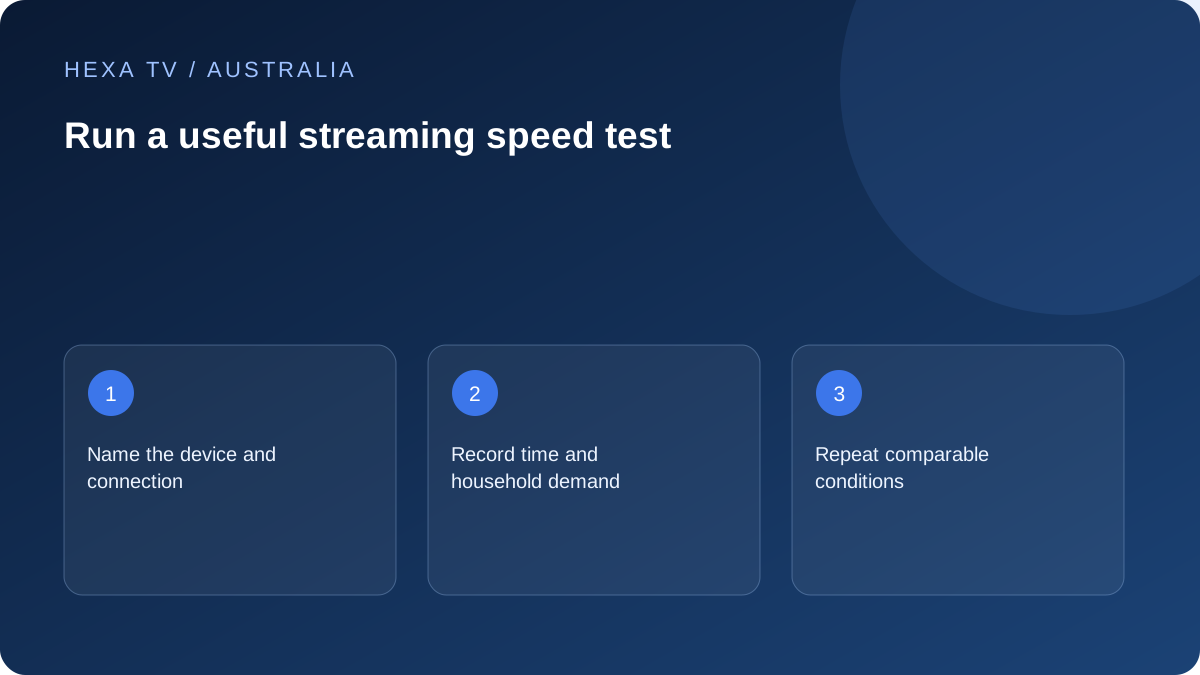
Record device, access service, connection to the router, local time and timezone. State whether the result came from the viewing device or a nearby proxy.
An NBN plan tier and an observed speed test describe different things. Keep both if relevant, but do not label a phone's result as the TV's measured throughput.
Compare the period that matters
A household with evening faults needs observations during its evening, not just a daytime maximum. Include whether calls, games or downloads were active and whether the test itself disrupted playback.
Use comparable wired and wireless runs to narrow the local-network question. A single high result cannot rule out every intermittent or source-specific issue.
Connect the result to a support question
If unrelated services struggle on a wired device, provide the labelled result to the retail internet provider. If one programme fails while others work, give the content provider the source comparison.
Use the service's documented requirements for the intended stream quality. There is no universal Mbps threshold inferred solely from the word IPTV.
Choose a question that a measurement can answer
An Australian household might be comparing the lounge Wi-Fi with Ethernet, investigating a busy-period fault or checking whether unrelated services struggle together. State that question first. A number collected without the setup context can be impressive while answering none of those tasks.
The relevant path includes the device, its local connection, the retail service and the test destination. A phone at the router is not the same path as a bedroom TV on a mesh point. Label a proxy-device result honestly when the TV has no supported test option.
Keep the units and product labels separate
An nbn retail plan's stated speed and a measured transfer rate are not identical descriptions. The Wi-Fi link rate shown by equipment is another quantity. Preserve those labels so a local connection figure is not presented as an internet measurement.
Data use in gigabytes answers a different question from throughput in megabits per second. A fast test does not establish how much remains in a mobile allowance. Response-time or variability measurements, when a tool supplies them, should also keep their own units and scope.
A compact Australian test log
This is a blank method, not a set of measured results. Complete the fields that the chosen supported tool actually supplies.
| Field | Example of the information needed |
|---|---|
| Purpose | Compare the TV's wireless route with a supported cable |
| Device and app | Exact model and relevant software version |
| Access type | Retail service and nbn or alternative connection type |
| Local path | Router cable, named Wi-Fi arrangement or mesh point |
| Time | Date, local time and Australian timezone |
| Other activity | Known streams, calls, uploads or downloads |
| Tool result | Actual reported values with units |
| Viewing result | Programme symptom observed separately |
| Limit | Any changed device, source, destination or household demand |
Do not measure an undisturbed session while generating traffic
The test itself consumes network resources. Run it separately when you want a normal playback observation. If you intentionally test under load, identify the added load and the reason for introducing it.
A household download stopping halfway through a comparison can change the result. Note such events rather than attributing improvement solely to a cable or setting. A small accurate record is more useful than a large collection of incompatible samples.
Compare the ordinary viewing period
If the symptom appears in the evening, collect an observation during that household's evening and state the timezone. A daytime maximum does not describe every busy period. Keep the comparison limited to the actual address and service rather than generalising to all nbn users.
Record whether the problem affects one source, several apps on one TV or multiple devices. Where a wired device is available, its result can help distinguish a room-level wireless issue from a wider pattern. Do not replace the access plan before interpreting that difference.
Use bitrate arithmetic as an illustration, not a requirement
For a hypothetical case, three constant-rate video sessions at 5 Mbps each request a combined 15 Mbps before other household traffic and variation. That calculation explains why simultaneous activity matters, but the rates are invented for the example and are not HexaTV specifications.
Actual sources can use different encodings and adaptive rates. A resolution label does not supply the exact rate, and an account permitting three sessions does not guarantee the home can deliver them all equally well. Obtain source-specific requirements where available and pair them with observations.
Understand why playback can disagree with a speed result
The test destination and a programme source may use different delivery paths. A single high result therefore does not prove every source is healthy, while a low result does not prove the content provider is responsible. Keep the actual playback symptom beside the number.
If one programme fails while others work on the same app and network, report that comparison. If multiple services struggle across wired devices, give the retail provider the broader record. The purpose is to route the next question, not to assign blame from a single figure.
Avoid turning a test into a shopping recommendation
A higher retail tier may be relevant to demonstrated household demand, but it does not correct an unsupported player, absent programme or wrongly selected network. Similarly, a new mesh point addresses a local distribution question, not the account's concurrent-session limit.
When a service change is genuinely being considered, compare the current address-specific offer and complete terms. Keep any forecast separate from measured behaviour. This guide does not rank Australian internet providers or claim first-hand speed testing.