Define the purpose of the alternative connection
A mobile hotspot can be a brief diagnostic for a home-streaming fault or a planned viewing route. Those uses require different confidence and cost checks.
For a diagnostic, record the same programme and device on home internet first, then change only the connection where supported.
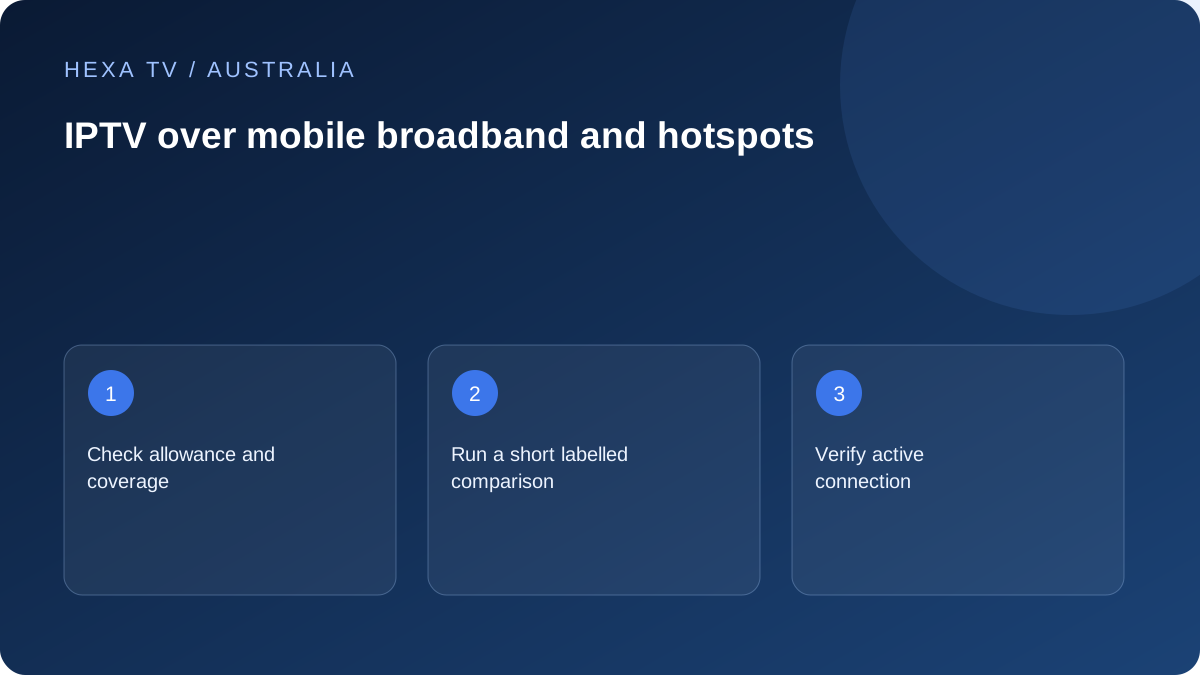
Check Australian plan conditions at the point of use
Review the actual mobile allowance, any shaping or excess-charge conditions and the device's usage display. Coverage at a window is not evidence of coverage behind the television.
Follow the phone manufacturer's power and ventilation guidance if it supplies the hotspot. Do not bury it among equipment to improve appearance.
Interpret the outcome narrowly
A source working over mobile data but not the home path gives support a comparison to investigate. It does not prove deliberate blocking or establish that mobile broadband is the best permanent purchase.
After testing, verify that the TV or streaming device has returned to the intended network. Otherwise an apparently solved problem can become unplanned data use.
Choose between diagnosis and regular viewing
For diagnosis, the objective is a brief comparison with the existing home path. For regular use, the objective is a workable mobile-data arrangement over ordinary viewing periods. The first cannot establish all the cost, reception and practical requirements of the second.
Write down the device and programme before changing networks. Keep the existing nbn or other home setup intact so you can restore it. A hotspot should be a deliberately identified alternative, not an unexplained network the television happens to join.
Use the phone's documented hotspot method
Confirm that the mobile plan includes the required hotspot feature and follow the manufacturer's current controls. Apple's guidance explains Personal Hotspot as sharing cellular data; Android controls vary by handset. Do not use a generic television tutorial to alter unrelated phone security settings.
Protect the hotspot password and verify the receiving device. Keep the phone in an appropriate powered and ventilated position if needed. A phone buried behind a television can create a poor practical setup even if a short nearby demonstration worked.
Check the data period and allowance before playback
Use the mobile operator's account information for the applicable billing period and remaining allowance. A handset's counter can help identify activity but may have a different reset date or scope. Keep that distinction beside any calculation.
Give the comparison a defined duration. Record a usage reading before and after if the tool is appropriate, and note other traffic. A hotspot can also carry app updates or background activity from the connected device, so the entire difference may not be video alone.
A useful before-and-after record
This is a template for an observation, not a claim about any Australian carrier.
| Stage | Detail |
|---|---|
| Home baseline | Exact source, device, connection and visible failure |
| Mobile preparation | Phone, network, allowance check and hotspot position |
| Connection change | Verify the TV or box uses the intended hotspot |
| Viewing interval | Date, local time, timezone and other active traffic |
| Outcome | Same symptom, changed symptom or no recurrence |
| Limit | Any different device, app, source or viewing conditions |
| Restoration | Confirm the normal home network is active again |
Test the actual indoor position
Reception near an outdoor doorway is not the same observation as reception at the place the phone will stay. Use a safe ordinary position and record it. Do not generalise from a travel location to the home or from a nearby address to the property.
If reception varies, preserve that fact instead of selecting only the best moment. A regular viewing plan needs a representative pattern, while a short diagnostic can simply state that it worked during the limited interval.
Keep the network conclusion narrow
A programme working over mobile data but failing on the home path gives the retail provider or content supplier a comparison to investigate. It does not demonstrate deliberate blocking, and it does not prove a permanent mobile plan is the best purchase.
If the same source fails across both paths while another works, focus on the source or app. If the television cannot join the hotspot, begin with device and phone compatibility. Separate these stages so a failed network join is not reported as an unavailable programme.
Review location and concurrency conditions separately
The content account still has its own territory, household and active-session rules. A phone's ability to provide internet does not change those permissions. Check the actual conditions for the intended viewing arrangement.
End the previous session when necessary before starting another. If the account refuses overlap, retain that message rather than treating it as an nbn or mobile-speed issue. An additional stream allowance changes account permission, not radio reception.
Make returning to the home network part of the test
When the comparison ends, reconnect the viewing device to its intended router or mesh network and inspect the active connection. Disable the temporary hotspot when no longer needed using the supported control. This prevents an apparently routine evening from continuing on an unexpected mobile allowance.
For an ongoing regional or temporary arrangement, compare the actual retail mobile conditions, power setup and representative observations. Keep those findings distinct from a one-off diagnostic result. No universal Australian coverage or unlimited-data claim is made by this guide.