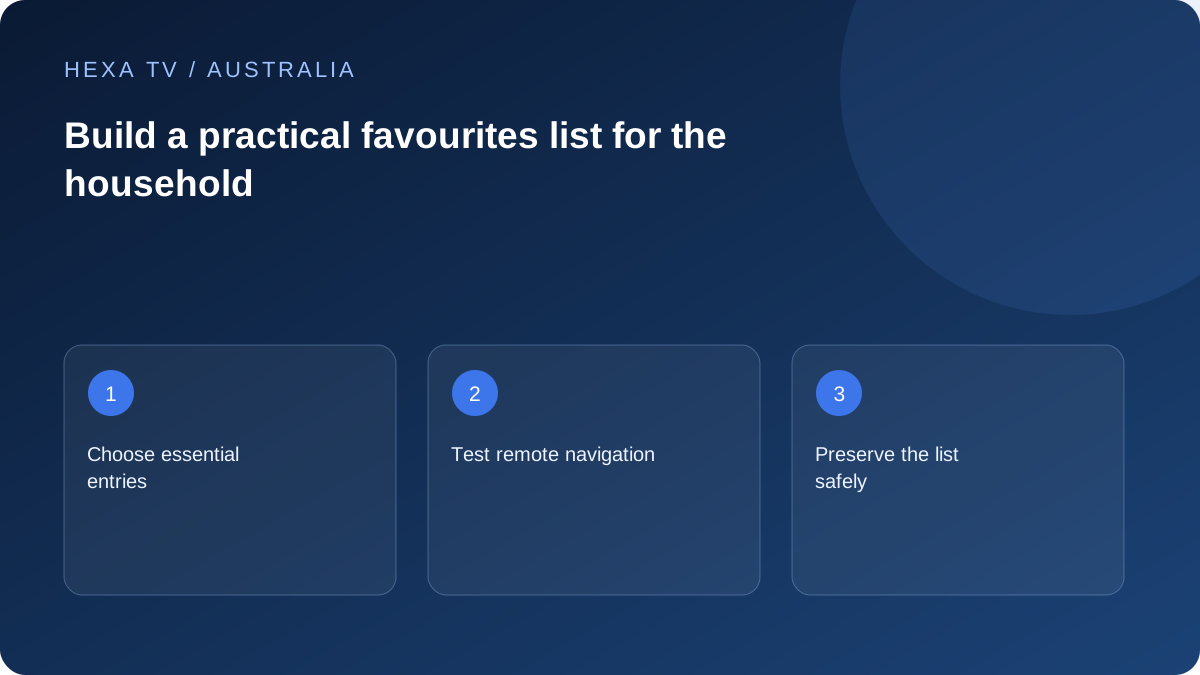
Design for the person holding the remote
Ask the household which small group of entries they actually use. Order those first and test opening them from the app's start screen. A list built around a provider's catalogue order may not fit the viewer's routine.
Keep official broadcaster apps outside the list unless the player genuinely links to them through a supported feature. Similar channel names do not merge separate accounts.
Check profiles and restrictions
A favourites list is a shortcut, not necessarily a filter on the entire device. If children use the TV, test the full catalogue, search and profile-switching paths under the intended controls.
Use plain list names that remain understandable on a shared screen and reveal no account details.
Plan for catalogue refreshes
Record the small essential set before updating the playlist. If a favourite stops working, search the current catalogue for an authorised replacement entry before concluding the whole channel is gone.
Confirm whether lists sync across devices. A lounge TV and a tablet may store their own organisation even when they use the same provider account.
Use a small list to solve a real navigation problem
Decide what the viewer needs to reach quickly and add only a few confirmed working entries first. A large imported catalogue can be difficult to navigate with a TV remote; a short household list can make everyday use clearer without changing the underlying account.
Name the route accurately when several services share the television. A favourite in a third-party player, an ABC iview Watchlist and a television's aerial channel list are separate features. Do not expect one list to synchronise another service's content.
Keep broadcaster Watchlists distinct from player favourites
ABC's official documentation describes its own account-based Watchlist and explains how programme availability affects what appears. That behaviour belongs to iview; it is not a promise about a different player. Use each application's current instructions for adding or removing items.
A saved programme is not necessarily a permanent copy. If an entry expires or disappears, inspect the service's availability information before rebuilding accounts. The distinction between a bookmark, a viewing-history entry and a downloadable recording matters.
Choose labels that answer the viewer's question
The following are organisation ideas, not claims that every player supports folders, profiles or renaming.
| Viewer question | Useful organisation choice | Limit to remember |
|---|---|---|
| Where is my usual programme? | Keep a small everyday set near the top | The source must still be available |
| Which regional feed is this? | Use the actual confirmed feed identity | A familiar logo does not establish local scheduling |
| Which language do I need? | Group confirmed language choices if supported | Track availability is programme-specific |
| Can children see only this list? | Use proper restricted profiles or controls | Favourites alone may not prevent catalogue browsing |
Preserve essential choices before refreshing data
A playlist refresh or account replacement can change identifiers used by the player. Check the publisher's handling of favourites and save a private non-secret list of essential names before a major change. Do not assume an export is safe to share publicly; it can contain account URLs.
If a favourite stops working, locate the programme in the current catalogue. When that entry works, repair the shortcut through the app's supported controls. A stale shortcut is a narrower problem than a failed subscription.
Test the list with the actual remote
Start from the normal TV home screen and ask the viewer to open the app, choose the favourite and return to another programme. Watch for confusing duplicate names or a list hidden behind several menus. Change the organisation based on the difficulty observed.
For a shared Australian lounge room, keep official broadcaster apps identifiable alongside the player. A short instruction card can name those routes without passwords. The goal is an understandable viewing routine, not a list so elaborate that only its creator can maintain it.