Look beyond the saved shortcut
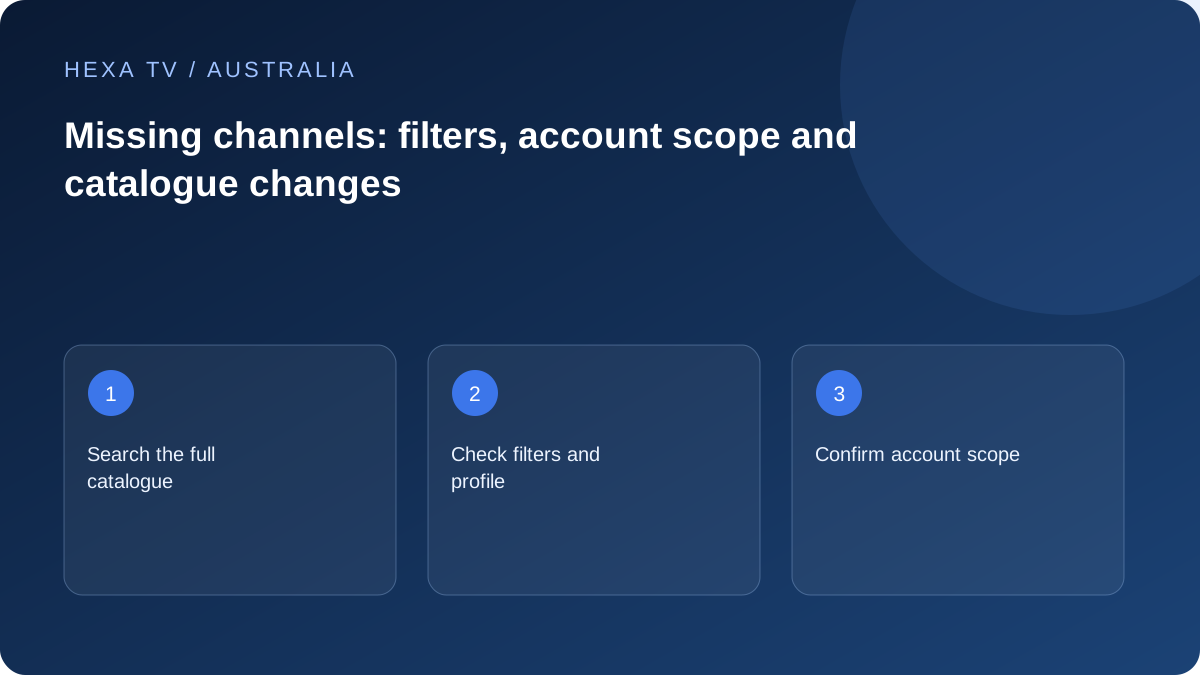
Search the current full catalogue and relevant groups. A favourite can point to an obsolete identifier while a replacement entry exists.
Inspect authorised profile filters and hidden categories. A channel hidden from one profile has not necessarily disappeared from the account.
Verify the Australian catalogue claim
Ask for the current account and territorial list, naming the channel or programme precisely. A UK, Irish or other market list cannot substantiate the Australian offer.
If the programme is available through an official local broadcaster route, keep that option in the comparison. Its existence does not prove inclusion in a third-party package.
Refresh with a defined expectation
Save the important favourites, perform the supported update and search again. Note whether the channel name returns and whether it actually plays.
Send the exact entry, date and prior observation to the provider. Do not label an entire subscription outage from one missing saved item.
Start with the view that is actually empty
A favourite, a filtered category, a search result and the full catalogue are different views. Inspect the complete current source using the player's supported controls before concluding that the account has lost a channel. Keep the original favourite intact until you know whether its current equivalent exists.
Write the exact label, including any state, region or quality suffix. Australian household needs may depend on a particular edition rather than a familiar national-looking brand. A replacement with a similar name is not automatically equivalent for local news, schedules or the programme being sought.
Choose the correct missing-item branch
The table separates absence, playback failure and guide failure so the next action addresses the right layer.
| Observed state | Useful question | Next comparison |
|---|---|---|
| Favourite fails but full-list item exists | Did the entry identifier change? | Play the current entry before rebuilding the shortcut |
| Category is empty | Is a filter or hidden group active? | Inspect an unfiltered catalogue view |
| One expected channel is absent | Is it in this account's current Australian scope? | Dated offer versus current provider answer |
| Entry exists but video fails | What playback error occurs? | Another authorised item on the same device |
| Only listings are absent | Does its EPG association exist? | Guide data without changing video settings |
| All entries disappear after import | Did import or account assignment fail? | Import result and source state |
Use a dated catalogue claim rather than a promotional total
Find the offer or current source information that applies to your own account. If a channel was a deciding requirement, keep its exact name and the date it was represented as available. A public list for another country, package or customer is not sufficient evidence about your account.
Ask the service whether the item has moved, changed label, become unavailable or is outside the subscription scope. Do not invent a reason or assume the change is permanent. A precise answer about one essential programme can be more useful than another claim about thousands of channels.
Refresh without replacing the whole household setup
Use the documented catalogue refresh and note whether it completes successfully. Compare the same missing item and a small number of working entries afterwards. A guide refresh may update schedule text without changing the playable catalogue, so do not mistake one operation for the other.
If the current entry works and only a saved shortcut fails, rebuild that shortcut through the player's supported method. Keep other favourites unchanged. If many identifiers changed, ask the publisher whether it offers a supported way to preserve preferences rather than manually editing credential-bearing files.
Distinguish broadcaster programmes from third-party catalogue entries
An official ABC, SBS, 7plus, 9Now or 10 listing is evidence about that service's own route. It does not establish inclusion or redistribution permission in a separate provider's catalogue. Keep those two claims separate when discussing a missing item.
For on-demand programmes, availability windows can also matter. ABC's official expiry guidance explains why programmes leave its own service. That does not establish the cause of an unrelated IPTV entry disappearing, but it is a useful reminder to inspect the actual programme's current availability rather than an old watchlist or search result.
Create an actionable missing-channel report
State the source label, exact entry, app version, device and views searched. Include whether filters were removed through supported controls and whether one catalogue refresh completed. Add the local date and timezone if the issue followed a recent update.
A fictional report might read: 'The required state edition is absent from the full unfiltered catalogue; another edition remains; the saved favourite is also absent; the account's dated offer named the required edition.' That gives support a concrete scope question without claiming that a household network fault caused a channel to vanish.
Decide what to do while the answer is pending
Keep functioning sources and account access unchanged. If an official authorised route meets the immediate programme need, use it on a supported device and note any difference in coverage or controls. Do not buy another long commitment solely on the basis of an unverified replacement list.
When the provider responds, record the current entry or confirmed limitation and update the household's favourites accordingly. If the absence changes the value of the subscription, compare the actual offer and terms through the appropriate commercial process. This diagnostic page does not promise a remedy or determine a legal entitlement.