Use the actual Australian location
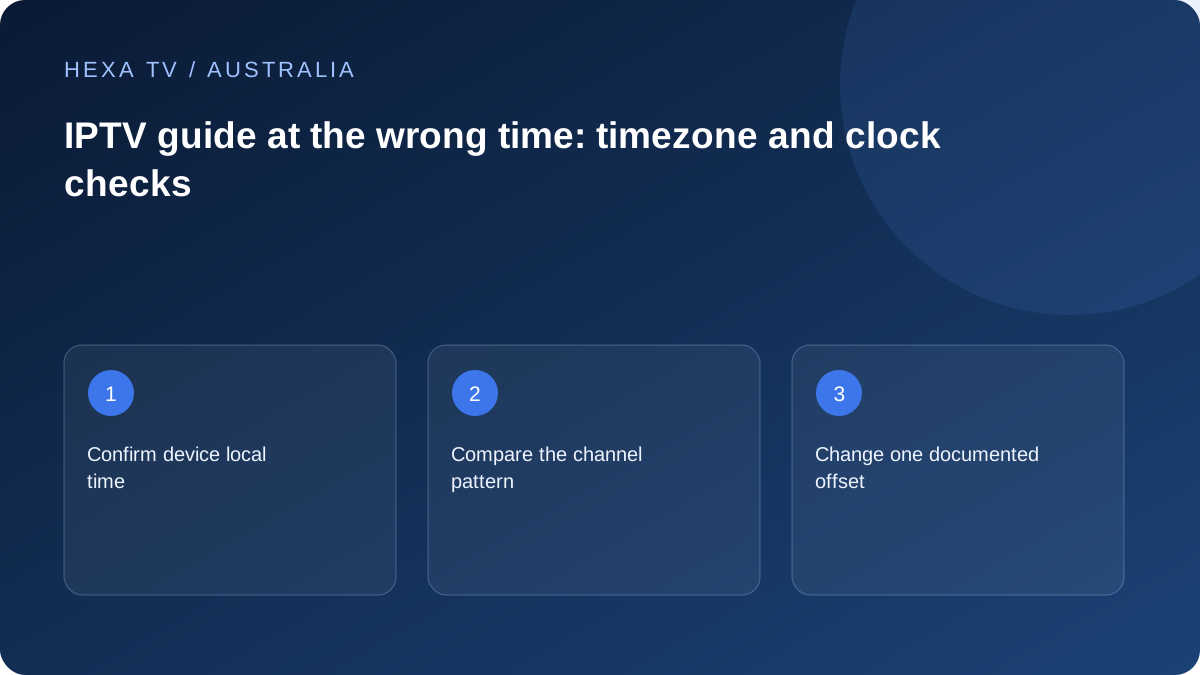
Confirm the device's local date, clock and timezone. Australia has multiple timezones and differing daylight-saving arrangements, so a single fixed national offset is not a reliable setup.
Record which setting supplies automatic time and whether the player's guide has another offset.
Inspect the pattern across listings
Choose a familiar current programme and compare its video with the guide entry. Then inspect another channel. A common shift suggests clock or offset checks; an isolated mismatch suggests mapping or source data.
Include the date and timezone in the evidence so an interstate or overseas support team can interpret the report.
Make one reversible correction
Use the player's documented controls and preserve the previous value. Avoid adding an hour in several places simultaneously.
Refresh guide data when the instructions require it, then repeat the same comparison. A listing error does not require changing a working password or purchasing additional streams.
Start with the location the device actually uses
An Australian guide should be read in the context of the viewer's real location and the relevant date. Inspect the device's timezone label and displayed clock instead of applying a remembered difference between cities. A player may also retain a manual offset from an earlier setup.
Check the selected guide date before changing anything. A row from yesterday can resemble a time-conversion error, particularly when programmes repeat. Return to the intended day and compare the sequence around the programme rather than relying on one title that appears several times during the week.
Compare channel edition and local time separately
A similarly named channel can represent a different regional edition. If its programme sequence differs, a numerical offset may not be the correct remedy. Identify the actual edition supplied by the service and compare the appropriate official schedule.
XMLTV links programmes to channel identifiers and allows timezone information in its timestamps. That structure helps explain why mapping and time display are different questions. You do not need to rewrite the feed yourself; the relevant evidence is which row, date and edition are being displayed incorrectly.
| Observation | First direction | Keep unchanged |
|---|---|---|
| All sampled rows share one displacement | Device location and app-wide guide offset | Individual channel mappings initially |
| One state edition differs | Channel identity and source mapping | Correct rows and global clock |
| Only tomorrow appears wrong | Date-specific data and conversion | Today's working setup |
| Two devices disagree | Their time and app settings | The provider source during comparison |
| Programme names belong to another day | Selected date and freshness | Audio and picture settings |
| Captions are late but guide is correct | Subtitle timing rather than EPG | Device timezone |
Use a three-row, three-entry sample
Choose the affected row and two relevant controls. On each, record the previous, current and next programme with displayed times. This reveals whether the whole guide has moved, one row has the wrong sequence or the current-time marker is misleading.
Use the broadcaster's current listing for the actual edition as the reference. Write down when you checked it because schedules can change. A provider support team can do much more with that small structured comparison than with a photograph of a large grid and the message times wrong.
Correct one layer and inspect the consequences
Save the current device timezone and any app offset. If the device location is wrong, correct it through its supported settings and compare again. If the device clock is already right, do not make it wrong simply to align one app.
When the player offers a documented guide-only adjustment, change it only after understanding whether it applies globally or to one source. Recheck rows that were previously correct. Reverse a change that fixes one entry while displacing the rest, and send the pattern to the service rather than stacking another compensating offset.
Consider a move between Australian locations
A fictional household takes a streaming device from one city to another and finds the guide displaced. The useful check is the actual timezone retained by the device and any manual player correction. The solution should not be a permanent number remembered from a previous trip.
In another fictional case, the device clock is correct and most rows match local schedules, but one channel uses a different edition. That is a mapping or source question. These examples illustrate decision-making only; no real device or service was tested for this article.
Keep a safe before-and-after record
Note the old setting, the new setting and the result on the same programme sample. If you refresh guide data, record that as a separate action. Avoid combining a timezone change, source refresh and app reinstall because the result would no longer identify which action mattered.
A cropped image of the row and visible time can help, but remove account identifiers and full guide addresses. Include the Australian city or timezone and the relevant date in the support note. Saying that everything is one hour late without those details can hide a regional or date-dependent difference.
Know when local adjustments should stop
If the source supplies the wrong programme sequence or omits the relevant day, a correct local clock cannot manufacture accurate listings. Keep working video access intact and ask the service about the affected guide data. Use an official schedule temporarily where it meets the viewing need.
After the publisher corrects the source, undo any temporary offset that is no longer necessary and repeat the same sample. Otherwise an old workaround can become the new cause of a displaced guide. The lasting outcome is a clear configuration, not a collection of unexplained manual corrections.