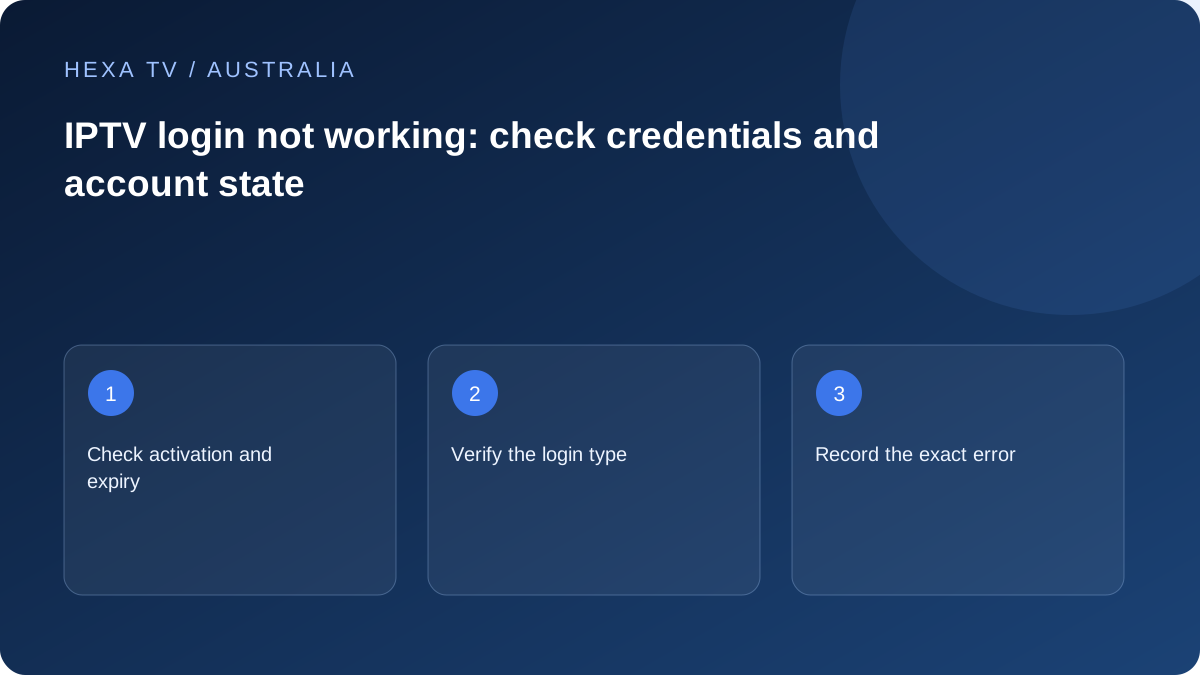
Read the wording before retrying
A rejected credential, expired account and maximum-connections message need different checks. Save the exact message and the time with the Australian timezone.
Check the content account's current state separately from any player licence. A software activation request does not automatically mean the provider term has ended.
Verify the supplied method privately
Match the provider's documented address and fields to the selected account type in the player. Watch for copied spaces and preserve required punctuation.
Do not send the password to an address found through a generic search. If the setup instruction is unclear, ask the provider to confirm its official endpoint.
Escalate one careful failed attempt
After verifying the details, stop repeating the same unsuccessful action. Send the device, app version and non-secret account reference through official support.
If another permitted device works, report that comparison. If testing caused an extra simultaneous session, stop it before interpreting a connection-limit result as an authentication failure.
Name the service whose sign-in screen you can see
An Australian household can have a device-store account, several broadcaster accounts, a paid player licence and a separate content-provider account. Their credentials are not interchangeable. Start by identifying the app publisher and the exact screen showing the error.
For example, a device waiting for an official broadcaster activation code is a different workflow from a player asking for a supplied server, username and password. Do not enter the latter into a broadcaster page or a television manufacturer's account form. Establish the supported method before retrying.
Inspect the input without exposing it
Compare the values with the original trusted private instructions. Look for a keyboard adding a space, a changed letter case or an address pasted into a field intended for only part of the account details. If the service supplies a complete private URL, preserve it rather than attempting to simplify it by guesswork.
Never paste an account-bearing link into a public diagnostic website to see whether it works. Its contents can grant access even if they do not resemble an ordinary password. A support screenshot should show the error and field labels while concealing the actual secret values.
| What the screen asks for | What to verify | Do not confuse it with |
|---|---|---|
| Television platform account | Official platform sign-in or recovery | A content-provider username |
| Broadcaster activation code | Current code from your own device and official linking page | A payment or player-licence code |
| Player licence | Publisher's own activation instructions | Included television programmes |
| Playback credentials | Provider's current supported field mapping | The email password used for receipts |
| Full playlist address | Exact authorised source and import field | A public website address safe to share |
| Account-status confirmation | Actual order and activation state | A guarantee inferred from a bank transfer alone |
Keep payment status and account state distinct
If access is newly ordered, identify what the service says has been verified and what remains pending. Ask for the recorded activation state using the non-secret order reference. Do not invent a standard delay or assume every provider processes a payment in the same way.
A second payment is not a diagnostic tool. If the first transaction's outcome is unclear, resolve it through the appropriate private support process before taking another financial action. Keep receipt information separate from credentials and avoid posting either publicly to obtain faster help.
Use the correct recovery route
Google's recovery instructions apply to a Google account. A Nine, ABC, 10 or independent content account has its own official process. Begin at the service's verified app or website and check which account is being recovered, especially if the household uses more than one email address.
The Australian Cyber Security Centre's passphrase guidance supports using strong, distinct account secrets. Do not reuse the main email password as a convenient player password or give an unsolicited helper the one-time code used for recovery. If the provider uses generated playback tokens, ask how its own rotation process works rather than assuming an email-password change rotates everything.
Describe the first failure, not the whole service
Record whether rejection happens immediately, after a code is submitted or only when opening a stream. If the catalogue is visible and the error occurs during playback, the issue may no longer be a sign-in failure. Keep that distinction in the support request.
A useful fictional example is: 'TV app accepts the account and displays categories, but starting a second permitted device produces an error; the first device continues.' That calls for a session or entitlement check rather than blind password resets. Replace permitted with the actual verified allowance in your own report.
Finish recovery without losing household access
Once the account is accepted, test an available programme and the normal controls. Confirm any other authorised devices that need updated credentials and use the provider's supported device-management process. Do not log out every functioning screen before knowing how to restore access.
Keep the final account state and recovery route documented privately. The household's everyday note should name the app and navigation steps, not contain a password or full playlist URL. If a secret was exposed during troubleshooting, follow the relevant service's process to change or revoke it rather than merely deleting the public screenshot.