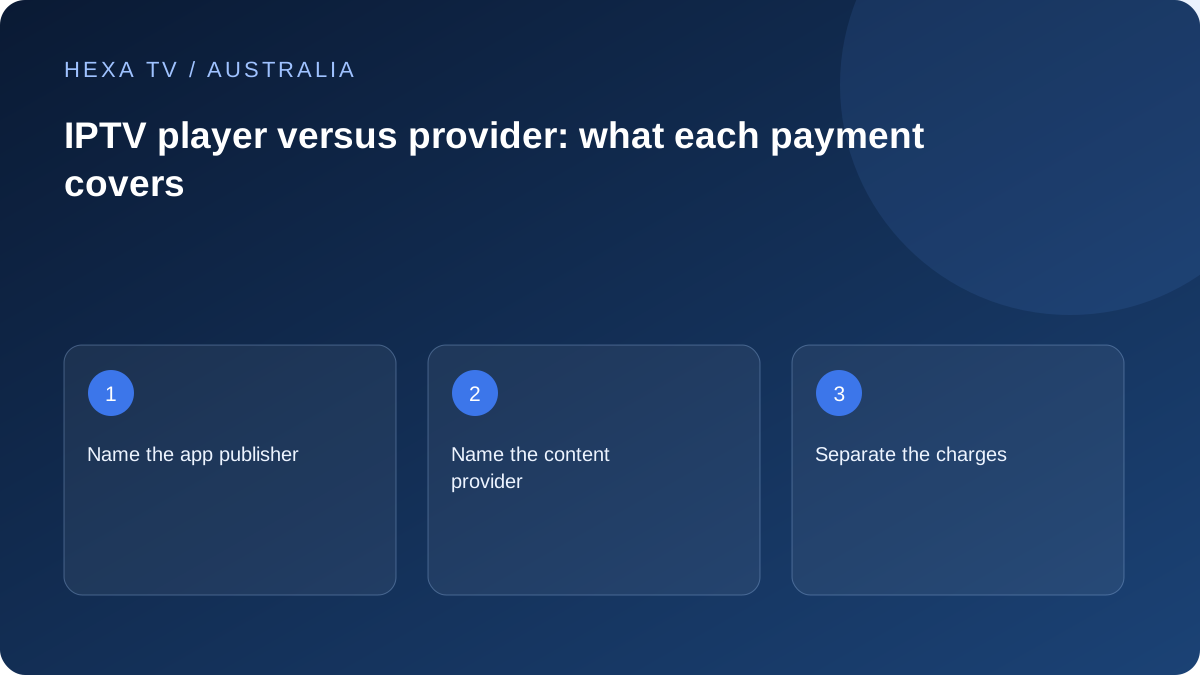
Draw the two purchases separately
Imagine the app as the interface and the subscription as the source of authorised content access. One payment can relate to software features while another relates to a term and catalogue. Write down the seller and receipt for each.
A free download does not establish that all features are free. Equally, paying a player fee does not prove that any channel account has been activated.
Assign responsibility before a fault
Ask the content provider which app it supports on the Australian device you own. If it recommends a player, check whether it provides setup help or sends software problems to the publisher.
Account expiry and stream allowance need a provider answer; an unavailable store listing or app crash needs app/device evidence. Playback faults may require both sets of details.
Keep catalogue and rights outside the software claim
An app-store listing confirms a software distribution route, not the rights of every account entered into it. Do not treat a branded streaming device as a certificate for a third-party offer.
Compare the complete subscription and player cost in the actual currency. The EUR price matrix does not include an assumed Australian player licence or a verified channel entitlement.
Name the software and the account separately
On an Australian television, the app used to navigate programmes may come from a different organisation from the subscription supplying access. Record the player publisher and the content supplier on separate lines. A platform-store account may be a third identity used only to install software.
Some services provide their own application, while others document compatible third-party players. Follow the actual arrangement rather than assuming every app is merely a player or every player includes content. Read the product description before entering credentials or accepting a charge.
Which supplier answers which question?
The table provides a starting point. A playback fault can involve several components, so include the actual observations rather than assigning blame immediately.
| Question | Useful first source of information |
|---|---|
| Can this model install the app? | Device store, manufacturer and app publisher |
| Does this app accept the supplied account format? | Publisher documentation and provider setup instructions |
| Has the account period expired? | Content supplier's account records |
| What does the app licence cover? | Player publisher's current licence terms |
| Is a particular Australian programme supplied? | The actual content catalogue and relevant official viewing information |
| Can two sessions run together? | Content account's concurrency rules |
| Can software move to another television? | Player licence-transfer terms, separately from account device rules |
Interpret an empty player correctly
Software can be installed and licensed while still needing a separate authorised account or media source. VideoLAN's official desktop instructions illustrate that a media player can open supported network media; that feature does not make the software itself a subscription catalogue.
If the app asks for an account method, use the provider's documented route. Do not search for random public playlists to fill an empty screen. An imported list also does not prove that every item is active or authorised for the account.
Keep activation and renewal amounts distinguishable
A software trial ending can look like a content expiry to someone seeing only the television screen. Read the name, publisher and description of the charge. Match it to the relevant receipt before paying or contacting support.
For Australian comparisons, keep the currency attached to each quote and do not treat a EUR subscription price as an AUD price. A player fee may be in another currency or billed through a platform store. The complete household cost needs actual amounts and conditions for each product.
Use device replacement as a three-part check
First confirm that the new television or box supports the required app. Then check the software licence's transfer or additional-device terms. Finally confirm the content account's registered-device and active-session conditions.
A successful app download completes only the first of those checks. Keep the old route available until the new one plays a confirmed programme with the necessary controls. Afterwards, remove obsolete access using each supplier's supported process.
Separate official broadcaster accounts from generic players
ABC iview, SBS On Demand, 7plus, 9Now and 10 have their own applications and account arrangements. A subscription to a separate provider does not automatically replace those sign-ins or establish the same catalogue. Their official support pages are the reference for their own services.
In a household instruction note, use the real application name. This avoids treating an iview linking problem as a failure of an unrelated player or using a player's paid-licence form to try to renew a broadcaster account.
Build one report that preserves the failing stage
State whether installation failed, the app closed, the account was rejected, the catalogue was absent or one programme would not play. Add the model, app version, date and Australian timezone. These details can be shared without publishing credentials.
If a provider recommends another player, ask whether it is supported for the actual device and whether a new licence is required. Keep the recommendation and outcome with the setup record. A software change should solve a defined compatibility or usability need, not be treated as a way to create more channels.