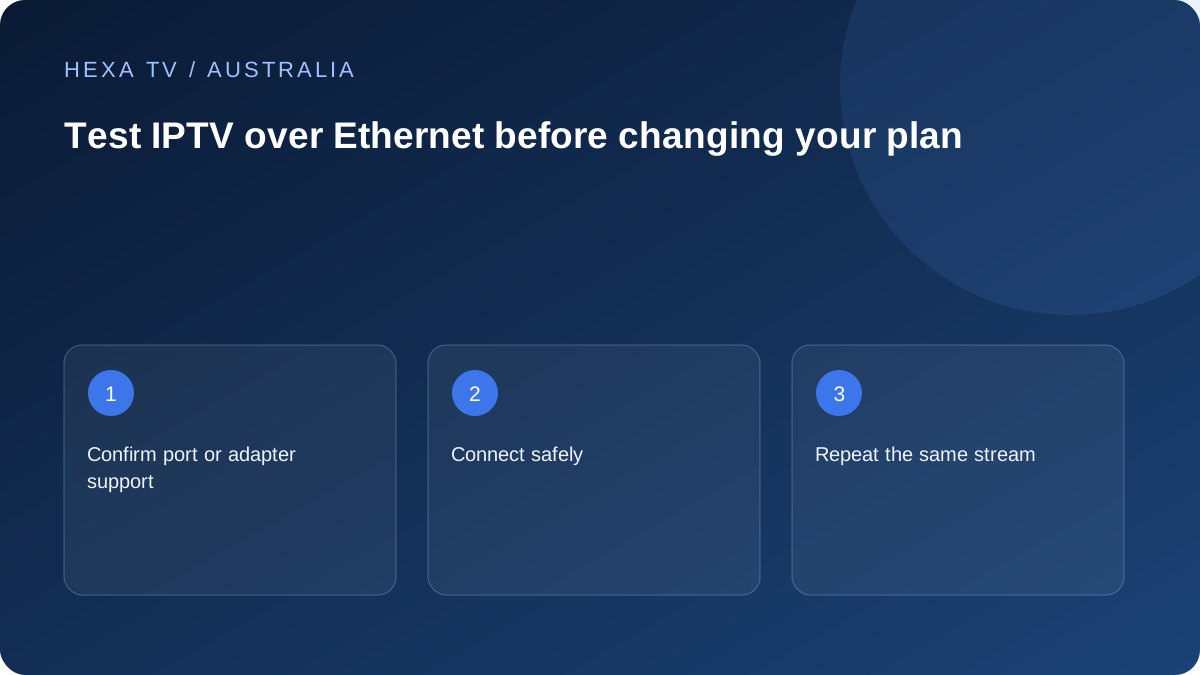
Use a cable to isolate one variable
For a fixed Australian TV setup, a temporary wired comparison can distinguish the local Wi-Fi hop from the rest of the delivery path. Keep the player and source unchanged.
Check whether the device supports an Ethernet port or the intended adapter. Physical fit alone does not prove driver or power compatibility.
Make the result reproducible
Record the adapter, cable route, active connection and time. Repeat the programme during the usual viewing period, noting any competing household traffic.
If the wired result improves, the wireless path deserves attention. If it does not, the source, app, device and wider connection remain possible contributors.
Plan a safe permanent route only if useful
A cable across a walkway is not an everyday installation plan. If the test helps, consider a suitable installed path or network design with the property's constraints in mind.
Keep the wired observation for support. It does not establish that every service will work or that the account's concurrent-session rules can be ignored.
Keep the nbn connection device and home router roles clear
A household can have an nbn connection device, a retail-provider router and additional network equipment. Do not unplug an unfamiliar service connection to make room for a television. Identify the supported LAN route on the router or local network equipment and consult the relevant instructions if the layout is unclear.
The television or streaming box also needs an appropriate port or supported adapter. An adapter's physical fit is only one requirement. Check compatibility, power and any documented setup for the exact device before interpreting a failed wired connection as a video problem.
Prepare a controlled lounge-room comparison
Choose the app and a programme already confirmed as available. Record the ordinary wireless arrangement, including whether the television uses a nearby mesh node. Keep the normal settings available so you can return to them after the comparison.
Connect the cable safely and confirm through the device's own information that Ethernet is active. Some devices select a connection automatically; others expose a network choice. Follow the actual manufacturer's controls rather than a menu sequence intended for another model.
Record the result in stages
First ask whether the device obtains a network connection. Then check whether the app opens and its catalogue loads. Finally observe the programme. A failure at the first stage needs a different response from one title failing after the account is already open.
If playback improves compared with repeated wireless interruptions, investigate the local Wi-Fi path. If the same programme alone fails over both routes, retain that source-specific observation. If several services struggle across wired devices, the retail internet provider may need the wider connection evidence.
A cable test record for a household
This is a reporting structure, not a claimed field test. Fill it with the actual details and leave untested fields marked as such.
| Field | What to record |
|---|---|
| Device | Exact television or streaming-box model and any network adapter |
| Starting path | Wi-Fi network or mesh node used before the change |
| Wired path | Router or local-network endpoint and confirmation Ethernet is active |
| Viewing interval | Date, Australian timezone, programme and start/end time |
| Other demand | Calls, downloads and concurrent permitted streams |
| Outcome | Visible symptom and whether it recurred |
| Limit | Any source, timing or household activity that changed |
Avoid buying a solution before interpreting the test
An Ethernet improvement does not mean the household must immediately replace its router or buy the highest nbn tier. It indicates that the tested wired arrangement behaved differently from the wireless arrangement. The next choice should address that part of the path.
Conversely, an unchanged result does not make the test useless. It can move the investigation towards the app, source, device or wider service. Keep the account active-session rules in mind: starting another device while testing may create a concurrency error unrelated to the cable.
Plan a permanent route safely
A temporary supervised cable can answer a diagnostic question without becoming the final installation. Keep it away from walking routes and avoid pinching it in doors. If the television location needs permanent cabling, use appropriately qualified installation advice and the property permissions that apply.
In a rental, avoid assuming that drilling or concealed wiring is acceptable. Discuss a suitable route or a reversible network arrangement with the relevant parties. A useful technical improvement should not create a property or safety problem.
Understand the limits of the wired option
Ethernet does not make a source available, renew an account or change a stream's encoding. It also does not remove every possible problem outside the home. Its value is a predictable local connection and a clearer comparison with Wi-Fi, when the equipment supports it.
nbn's in-home guidance includes Ethernet among ways to improve the household setup. Use that advice with the actual device and retail service, not as a guarantee that one cable eliminates all interruptions. Preserve the test details for whichever supplier needs to investigate the remaining symptom.