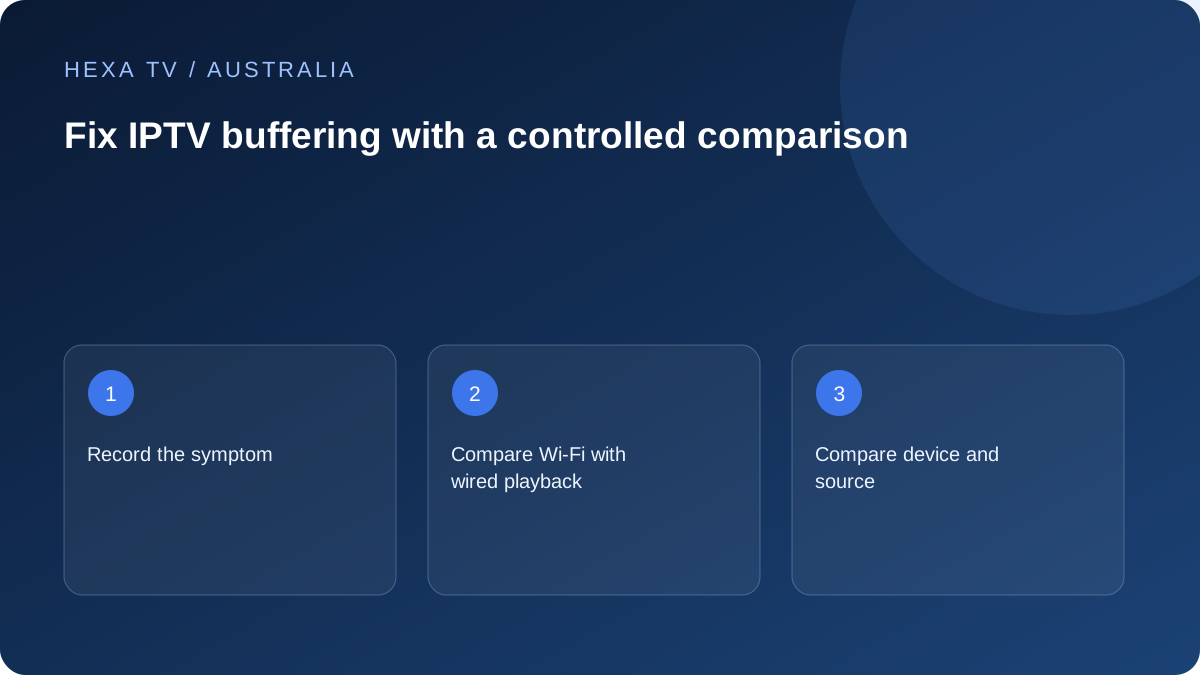
Classify the interruption before changing the connection
Describe what happens on screen: a loading circle, a still picture with continuing sound, a drop in quality or an app that closes. Try the normal player controls and device Home control. A responsive interface with one stalled source is different from an unresponsive device, and neither automatically proves an nbn access fault.
Record the programme, app and version, device model, local date and Australian timezone. For on-demand material, add the playback position; for live material, note the actual clock time. These details determine which comparison is useful.
| Symptom | First controlled test | Next direction |
|---|---|---|
| One source pauses, others play | Affected source on another supported device | Source-specific report if the pattern follows it |
| Several apps struggle on the TV | Same device on a supported wired path | Local wireless comparison |
| All household devices lose unrelated services | Retail-provider service information and status | Broader access or household-network investigation |
| Picture freezes, audio continues | Responsive menus and another source | App, source or picture-decoding path |
| App closes completely | Publisher's app-recovery instructions | Treat as a crash rather than only buffering |
| Second stream interrupts the first | Permitted concurrency and active sessions | Account allowance before network changes |
Create a fair baseline at the ordinary viewing time
Choose an available authorised source and a practical observation interval long enough to reproduce the usual problem. Note the start and end, selected quality and normal household activity. Compare a similar interval under the alternative condition. A few seconds on a phone and twenty minutes on the TV are not equivalent samples.
Avoid running a speed test during the baseline unless measuring that extra load is the deliberate experiment. Calls, cloud backups, game downloads and other streams can change conditions too. Record relevant activity rather than demanding an unrealistically empty household.
For live content, the programme changes between comparisons. State that limitation. If the fault does not recur, record not reproduced instead of declaring the last setting change a repair. A smooth interval is useful, but it does not erase the earlier observation or establish future reliability.
Separate home Wi-Fi from the access connection
Where safe and supported, temporarily use Ethernet on the same viewing device and repeat the same source. Confirm the active connection; inserting a cable is not enough if an unsupported adapter is involved. Keep the quality choice and other conditions as similar as practical.
If wired playback improves, investigate router placement, the final wireless link or relevant equipment using the manufacturer's guidance. If several unrelated services still struggle on a wired device, give the retail provider that wider evidence. nbn's in-home optimisation material helps explain the household path, but cannot diagnose a particular app or promise that a new router fixes it.
Record whether the property uses nbn or another service and identify the actual access type where known. Regional fixed wireless, satellite and mobile products can have different arrangements. Do not substitute a plan label for the observations made on the screen.
Use documented device checks when the fault stays with one player
Fire TV includes a network-status tool described in Amazon's official help. From the documented Network settings, the remote's Play/Pause control opens the relevant status information; additional diagnostics depend on the device. Keep that result with the playback symptom rather than treating it as a certificate that every source is reachable.
If a Google TV device itself stops responding, Google's guidance begins with a supported restart and discusses app and system updates. Its later account-removal and factory-reset actions can erase data. Do not jump to them for a single-source pause, and make sure account recovery is available before any destructive step.
LG publishes separate guidance on low-memory warnings and applications that fail to work. A memory message is not proof that buying more internet speed will help. Use the instructions for the actual webOS model and symptom, and preserve relevant settings before removing applications or data.
Check quality and concurrent use as distinct variables
Stay within the account's simultaneous-stream allowance during comparisons. Stop one session before opening another if necessary. Otherwise the test can create an account-limit error that looks like a delivery problem. Device registration and active playback are not necessarily the same allowance.
If the service offers a supported lower quality option, compare it on the same programme and device. Record exactly what changed. Improvement may show that demand or a different supplied format matters, but cannot identify the original bottleneck by itself. Resolution labels such as HD and 4K do not specify a universal bitrate or minimum connection speed.
An automatic quality reduction is another distinct observation: the picture continues with different detail rather than stopping entirely. Note whether quality is adaptive if the service supplies that information. Do not call the lower-quality result identical to the original test.
Use an alternative network briefly and with its limits stated
A phone hotspot can provide a short alternative-path comparison when the account permits it and the mobile plan supports the intended use. Check the allowance first. The result changes the internet route and local wireless environment, so it cannot isolate either factor alone.
Do not allow the diagnostic session to become an unnoticed evening of mobile streaming. Check usage, stop the hotspot when finished and restore the intended home connection. A successful mobile sample does not prove that the nbn service is defective, nor that mobile data is an affordable or reliable permanent replacement.
Likewise, a speed-test result from a phone next to the router does not measure the television's own wireless link. Use measurements as labelled evidence about a device, route and time, not as a universal judgement of the household setup.
Keep a short log that shows what each test changed
The following is a fictional example of a log format. It is not a test performed on HexaTV or any named service. Replace the descriptions with actual source names, versions and local times.
| Observation | Conditions | Meaningful result |
|---|---|---|
| Baseline | Lounge TV, usual Wi-Fi, one permitted stream, ordinary evening activity | Loading pauses occur during the chosen interval |
| Source comparison | Same device and connection, another available programme | Second source plays through the comparable interval |
| Device comparison | Affected source, supported tablet, same network, within account rules | Affected source pauses again |
| Settings changed | None beyond the labelled comparisons | Working household configuration preserved |
| Not tested | No long-term reliability or provider-side logs | No claim of a confirmed root cause |
Escalate the narrowed issue and restore a clear setup
For one source failing across supported devices, ask the content service to inspect that source and period. For a repeatable app crash, use the publisher's route. For unrelated services failing across a supported wired comparison, give the retail internet provider the access type, times and scope. State what still works.
Redact passwords, activation codes, private playlist addresses and payment information. Ask what the next requested comparison is intended to isolate, and record its old setting before changing it. Warn other household users before restarting shared network equipment.
Keep a working authorised alternative available where it meets the need, but label it a workaround. Restore unsuccessful experiments and retain the useful log. A player licence, extra stream allowance and broadband upgrade buy different things; consider a purchase only when there is a specific observed limitation it can reasonably address.