Separate the NBN connection from the radio link
A plan describes the access service, while the TV's Wi-Fi link covers the route inside the home. Note the router location and viewing position before treating a package upgrade as the answer.
NBN's setup guidance identifies router placement, connected devices and cabling as relevant checks. Use those categories with the router vendor's instructions for your actual equipment.
Test the lounge or bedroom where the fault occurs
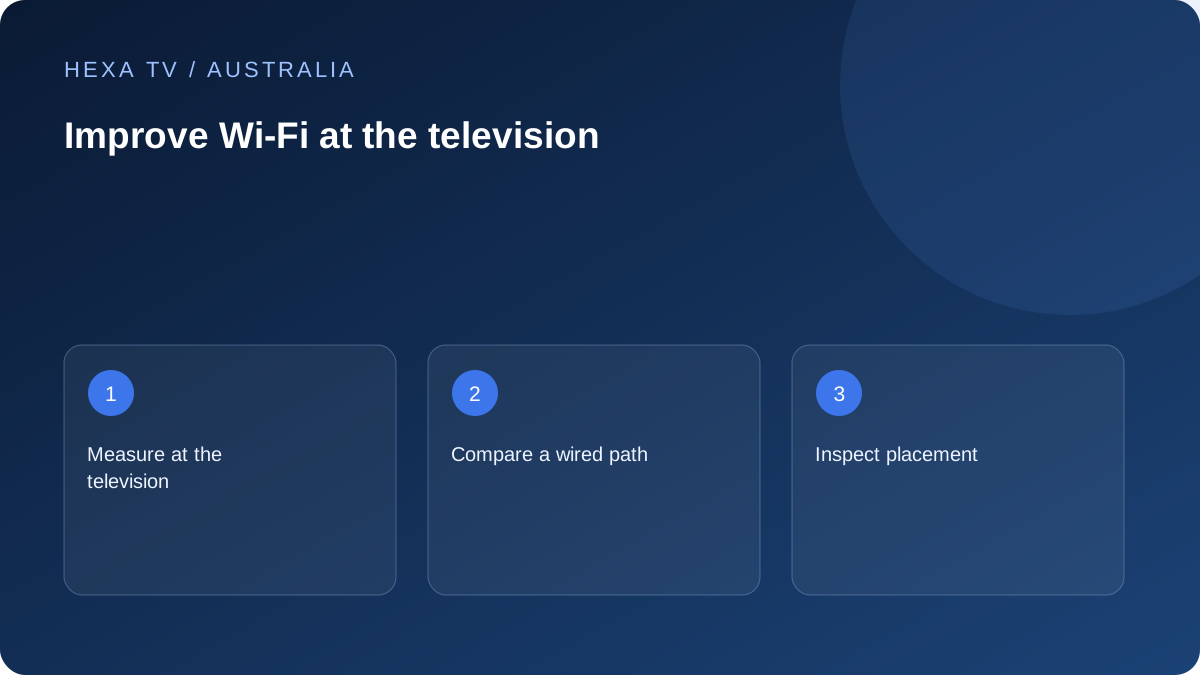
Compare one programme on the same device over Wi-Fi and a supported temporary cable. Keep the time and other household activity similar and confirm which network path is active.
If only wireless playback struggles, investigate obstructions, band selection and coverage with the equipment's documented controls. A phone test in a different room is not the same measurement.
Choose a remedy from the comparison
A properly placed access point, supported mesh design or installed cable answers a different problem from a higher retail plan. Identify the weak part before buying equipment.
Retest one change and keep the original settings. If the fault follows one programme on every connection, return to the source investigation instead of making more wireless changes.
Locate the wireless part of the Australian setup
An nbn connection, retail-provider router and television can be three separate parts of the viewing path. Wi-Fi concerns the local radio connection to the device; it is not another name for the entire internet service. Record where each component sits before deciding what needs improvement.
A television on the other side of an apartment or behind several internal walls can have a different experience from a laptop beside the router. Compare the location and device, not just a package speed. A speed result from one room should not be copied onto every screen in the home.
Inspect the viewing position before changing a plan
nbn's home-optimisation guidance highlights placement, obstructions and household demand. Use it to inspect the real room: is the router enclosed, is a large object directly in the path, and is the television using the expected local network? Keep equipment ventilated and follow its installation requirements.
Try only a safe, reversible change first. Do not pull at the service entry connection or relocate an nbn device without knowing what its installation permits. If the router must remain near the entry point, the question may be how to distribute connectivity inside the home rather than how to move the access service.
Check the connection identity, not only the Wi-Fi symbol
The television may remember several networks, including an old extender, a guest network or a phone hotspot. Inspect the current connection through the device's supported settings. A Wi-Fi symbol confirms a connection exists; it does not identify the path you intended to test.
If the router or mesh app displays which node serves the television, record it. Use the manufacturer's supported controls for any deliberate band or network adjustment. Different device generations may support different capabilities, so do not assume a newer router makes an older TV use every advertised mode.
Match the next test to the symptom
Choose one relevant branch, then retain the result before making another change.
| Symptom | Useful comparison | What to do with the result |
|---|---|---|
| Lounge apps work; bedroom apps pause | Same supported device over a practical wired route | Investigate the bedroom wireless path if the cable repeatedly helps |
| TV cannot join but phone can | Check exact TV and router requirements | Resolve compatibility or configuration before judging video delivery |
| One channel fails in otherwise stable viewing | Try another available source on the same setup | Report a source-specific pattern rather than buying mesh hardware |
| Every device has wider connection trouble | Compare a supported wired device and other services | Give the retail provider the dated whole-home observations |
| Playback continues using a hotspot unexpectedly | Inspect the active network after a test | Reconnect to the intended home route and review mobile usage |
Preserve the household configuration when testing
Before a router-wide change, understand which other devices depend on that setting. Use a supported configuration backup where available and keep the legitimate administration route private. A television fault should not lead to unexplained removal of security from the whole network.
Do not follow a universal list of DNS, firewall and regional changes for an unspecified IPTV player. Those settings address different questions and can affect unrelated services. If official support identifies a specific relevant change, write down the reason and previous value, then test its effect separately.
Choose new equipment from the backhaul as well as the room
A mesh point or extender needs an effective route back to the primary network. Placing it at the very end of an already weak signal may leave that route constrained. Follow the equipment maker's placement and compatibility guidance rather than assuming more units always improve performance.
A supported wired access point or a properly installed cable may be appropriate in some layouts, while a compatible mesh arrangement may fit others. In a rental, include permission and cable routing in the decision. The purchase should solve the measured local gap, not simply add another box beside the TV.
Test with the household's normal demand
Record the activities that ordinarily overlap with viewing: other streams, calls, games downloads or uploads. For a comparison, pause one known large activity only when appropriate, then restore it. Keep the changed condition visible in the result.
A speed test creates traffic, so run it separately from an undisturbed playback observation. If the usual fault happens only at a particular time, include that period in the record. One quiet daytime session cannot answer every question about an evening household pattern.
Finish with a room-level outcome
A useful conclusion is specific: this television on this connection behaved this way, and the stated change improved or did not improve it during the recorded interval. It is not a guarantee for all sources, all times or the entire nbn network.
If wireless changes do not affect a single failing programme, move to the source or application guide. If several services remain affected across wired devices, contact the retail internet provider with the broader observations. Choose an account allowance separately from either network question; additional permitted streams do not repair Wi-Fi.