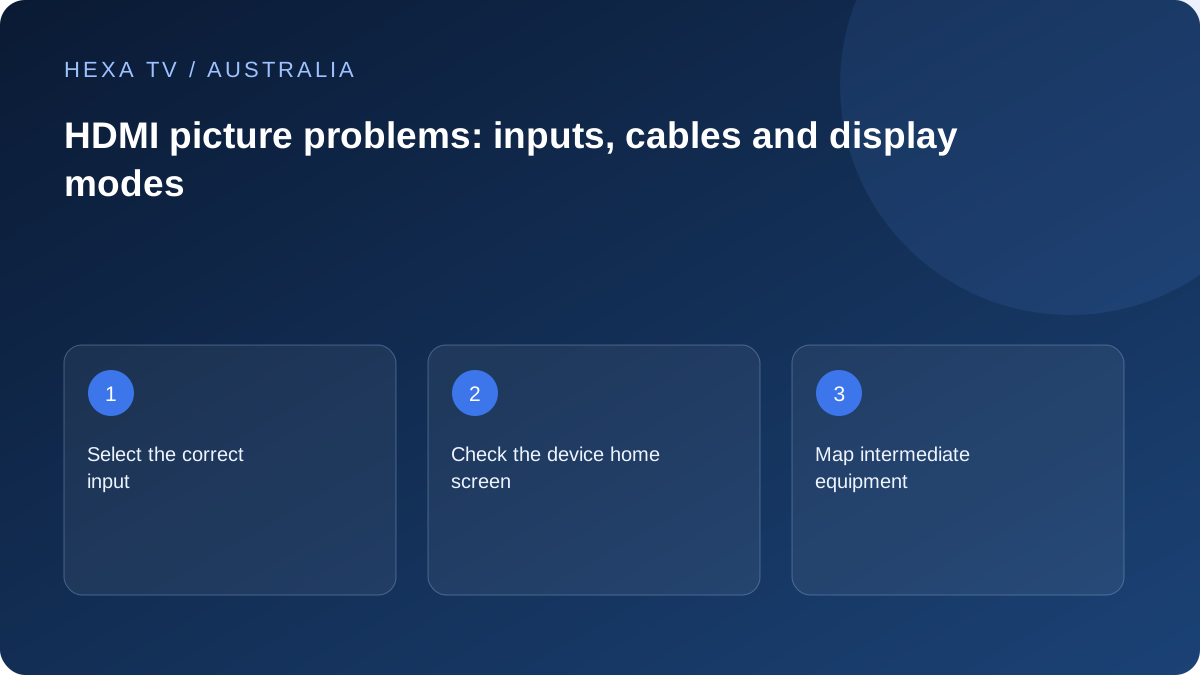
Write the device chain
List the streaming box, intermediate receiver or soundbar and TV input in order. Then confirm that the television is on the intended input and the device home screen appears.
If the home screen is absent, investigate that physical path before the content account.
Compare a supported output
Use the exact model manuals to check resolution, audio and relevant output modes. Where safe and documented, a simpler direct connection can help isolate an intermediate component.
Change only one part and retain the original arrangement. A random collection of cable and mode changes can hide which component mattered.
Describe the visual fault
No signal, black video with sound, flashing picture and a format warning are distinct observations. Include whether menus and another app remain visible.
Choose replacement equipment only after identifying the required mode and failed comparison. A premium cable label by itself is not a diagnosis.
Inventory the lounge-room signal path
List the external streaming device, any receiver or soundbar, every switch or adapter and the television input. Include both ends of each cable. A missing accessory in the description can hide the only stage that differs between a working and failing setup.
Confirm the selected input on each device against the actual socket labels. The television can be on the correct HDMI input while the soundbar or receiver is listening to another source. A source nickname saved in the TV menu is not proof that a cable still occupies that socket after equipment has been moved.
Establish whether the external device is visible at all
Use the device's normal Home control and inspect the television's message. No Signal, a visible home screen and black video behind working player controls are different observations. Record which one occurs before changing a subscription or network setting.
Amazon's Fire TV instructions cover its blank-screen input and connection checks; Apple's guidance separately covers Apple TV HDMI and output issues. Match the instructions to the actual hardware. Do not use a recovery shortcut from a different remote generation simply because the devices share a brand name.
| Result | Next controlled action | What remains uncertain |
|---|---|---|
| TV cannot see device menus | Verify supported power and matching input | Whether the device, connection or display stage is responsible |
| Direct TV path restores picture | Inspect intermediate equipment's capabilities | Configuration versus physical fault |
| Only advanced mode fails | Compare a documented supported mode | Which stage limits that mode |
| Picture works, sound does not | Review the new audio route | Audio output and return path |
| One app fails despite visible menus | Compare another authorised app or item | App/source behaviour versus physical HDMI |
| Short blackout at start or stop | Check format-switching documentation | Persistent faults still require investigation |
Try a direct path without losing the original arrangement
When official guidance supports it, temporarily remove the intermediate HDMI stage and connect the source to an appropriate TV input. Keep the old port map and compare the same item. If the result changes, record whether menus, video and sound each work.
The comparison identifies a contribution from the removed stage but does not automatically prove the equipment is broken. It may need a different supported port, configuration or firmware guidance from its manufacturer. Do not buy a replacement before checking what arrangement the existing equipment is designed to support.
Verify the selected format through the whole chain
Apple's 4K documentation illustrates the need to consider the TV input, output mode and accessories together. A capable television behind an incompatible stage cannot guarantee the intended result. Use model-specific documentation rather than assuming that every HDMI connector has identical capabilities.
If a simpler supported output works, note it and compare the visible benefit of the higher option when it is restored. A stable acceptable picture can be a sensible temporary choice while a compatibility question is investigated. Label it as a chosen mode, not proof that the service supplies a different source format.
Keep physical changes safe and interpretable
Use the power and connection equipment specified by the manufacturer. Avoid pulling a wall-mounted television or forcing a connector to reach a hidden socket. If the arrangement cannot be accessed safely, get suitable assistance rather than improvising a cable change.
Change one cable or input at a time and retest. Replacing several components at once may produce a working picture but leaves uncertainty about which change mattered. Keep known working equipment available until the final arrangement has been checked under normal household use.
Include audio and control behaviour in the final check
An HDMI change can alter where sound goes or how the remote switches inputs. After restoring the picture, check the household's normal sequence: power on, open the app, adjust volume, switch to another source and return. Use the soundbar guide if the new picture route leaves audio unresolved.
Record the final ports and supported settings in plain language. Another adult should be able to return to the working input without guessing. The note can name devices and sockets without storing account passwords, private playlist addresses or unnecessary network details.
Give support the physical evidence it needs
Include model numbers, the order of connected equipment, selected inputs and the output mode. State whether a direct connection changed the result and whether the device menus were visible before and after. Add the app and programme only if the failure begins during playback.
A useful report describes observations rather than declaring that HDMI is broken. This lets the relevant manufacturer investigate its stage while the content service handles any separate programme-specific failure. Keep the household's working route intact where possible until the next supported comparison is clear.