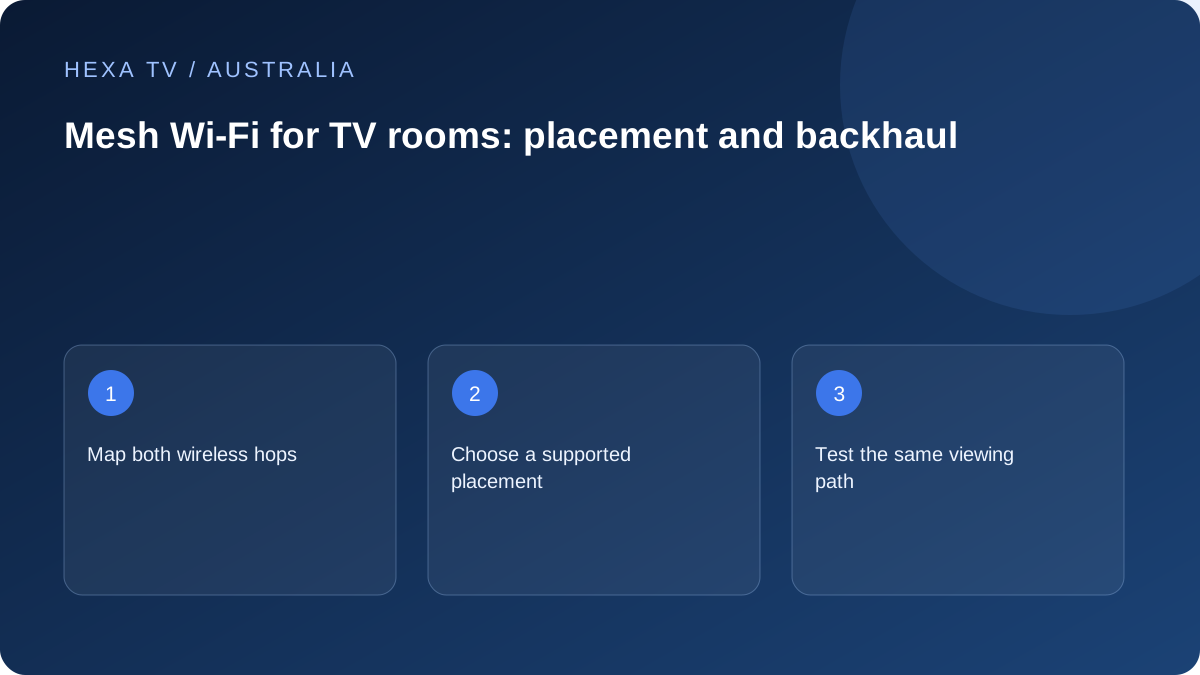
Draw the two links for the viewing room
A wireless node must communicate with the television and with the rest of the network. Place it based on both links, using the manufacturer's guidance, rather than simply placing it in the dead spot.
Record whether the node's upstream path is wired or wireless. That distinction helps explain why a strong signal icon near the television may still accompany limited delivery.
Evaluate a single placement
Start with a baseline programme at the normal Australian viewing time, then change one node position or supported connection arrangement. Note which node serves the TV if the system displays it.
Repeat the same test instead of comparing unrelated speed results on different devices. Multiple simultaneous changes make the effect unclear.
Separate coverage from source availability
If several apps improve at the TV after a placement change, that supports the home-network decision. If only one channel remains faulty, gather source-specific evidence.
Do not assume a larger mesh kit is always the next purchase. Verify placement and backhaul before increasing the number of units.
Draw the path from the TV back to the router
A nearby mesh node can show a strong connection to the television while its own link to the primary unit is poor. Both parts matter. Sketch the TV, serving node, any intermediate node and router, then mark which links are wired and which are wireless.
Keep the nbn service connection separate in the sketch. A mesh improvement changes distribution inside the property; it does not change the retail account allowance, programme catalogue or every condition on the access network.
Check the product family and generation
Do not assume that all mesh products from the same manufacturer can be combined. The official setup documentation for Google's own systems, for instance, specifies generation compatibility. Read the equivalent information for the exact equipment being purchased or reused.
Record model numbers rather than only a marketing family name. Check the local version and supported administration app, and use the manufacturer's recommended setup route. An imported unit or an old point left from another system should not be treated as a guaranteed compatible addition.
Place for the upstream connection as well as the weak room
If the troublesome television is at the edge of existing coverage, placing a node directly beside it may leave the node with the same weak route back. Use the vendor's positioning advice to find an appropriate intermediate location and then test the result.
Consider safe power, ventilation and physical obstacles. In an apartment, the router's position may be constrained by the service entry and furniture; in a larger home, several rooms or floors can separate the units. Neither layout has a universal number of nodes that this guide can prescribe without observation.
Interpret three different observations
A network-health display, an internet test and actual playback answer different questions. Keep all three labelled instead of treating one as a complete verdict.
| Observation | What it can help assess | What it cannot establish alone |
|---|---|---|
| Supported mesh test | The links between the system's router and points | That a particular programme source is available |
| Internet test on a specified device | Transfer performance along that test path at that time | Every TV location or future viewing period |
| Programme playback at the television | The chosen source, device and connection together | Which component caused an untested fault |
| Another app on the same television | Whether the problem is broader than one application | A universal service reliability score |
Try one placement change with a repeatable task
Record the current node assignment if the system shows it, the programme and the local time. Move only the relevant unit within the supported placement guidance. Then run the system's appropriate network check and repeat the television task.
If several conditions change at once, list them. A result after moving the TV, replacing the player and adding a node cannot be attributed confidently to the node alone. A simpler comparison provides a clearer reason to keep the change or return to the previous configuration.
Evaluate wired backhaul as a design choice
Where the exact mesh system supports it, a wired link between units can change the upstream path. Check the supported ports and topology before connecting equipment; not every socket or node has identical capability.
For permanent cabling, use suitable installation advice and the permissions required for the property. A rental may need a different reversible arrangement from an owner-occupied renovation. Do not run an everyday cable across a walkway simply because a short supervised comparison worked.
Keep the household's existing services in the test
A network change should still serve calls, ordinary browsing and official broadcaster applications as well as the IPTV player. Check that the intended devices join the right network and that any required local-device communication remains supported.
Do not disable network security or guest separation indiscriminately to solve a discovery problem. If casting is part of the requirement, use the supported app and network guidance for the receiver. Streaming directly on the TV and discovering a cast receiver can involve different local behaviours.
Know when mesh is not the next purchase
If the account rejects a second stream, address the concurrency rules. If one programme fails across supported devices while other content works, report the source. If multiple services struggle even through a supported wired path, gather that evidence for the retail internet provider.
Mesh is a potential tool for an observed in-home distribution problem, not a universal nbn upgrade. Once the useful room-level task works, keep the model and placement record for future changes rather than adding more points simply because spare power sockets are available.