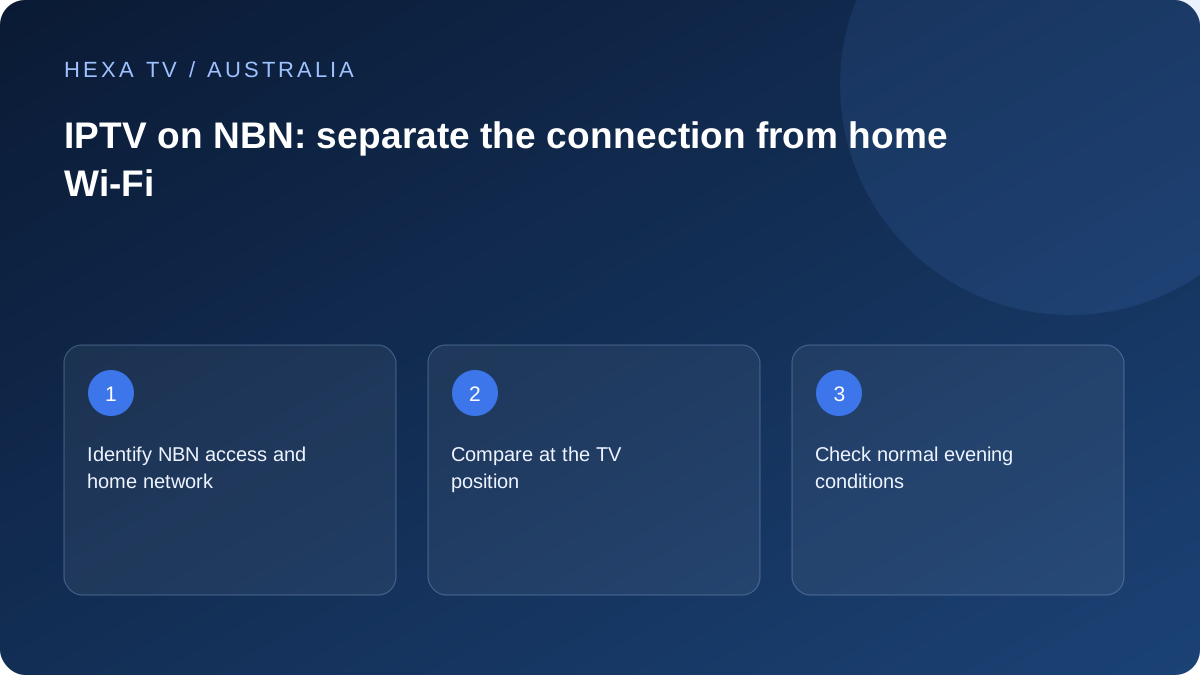
Write down the access and the room connection
Record your NBN connection type from the retail provider's information, your plan and the equipment between the connection box and television. Then note whether the TV or streaming device uses Ethernet, Wi-Fi or a wireless mesh node. These are different parts of the path.
NBN's home-setup guidance discusses router placement, connected-device demand, cabling and device compatibility. Use those categories to inspect your home, while asking your retail internet provider about the access service and any plan-specific conditions.
Check Wi-Fi where you actually watch
Run the useful comparison at the TV position. A phone next to the router may have a strong link while the television across the house does not. If practical, connect the viewing device temporarily by Ethernet and compare the same programme before changing subscriptions or network hardware.
A mesh node still needs a good connection back to the network. Placing one in the room with the poorest signal may not provide a useful relay path. Record node placement and connection method when seeking advice from the equipment vendor.
Do not confuse a plan tier with a playback guarantee
Several streams, downloads and calls share available capacity. The amount required by a particular video depends on its actual encoding and bitrate, not only whether a sales page calls it HD or 4K. Ask for the service's requirements and compare measured behaviour under ordinary household demand.
If a fault appears during your evening viewing, test during that period. Keep the local time and timezone with your notes; an interstate support team or service log may use a different time. A daytime speed-test screenshot does not settle an evening-only issue.
Treat access types and regional conditions individually
Fixed-line, fixed-wireless and satellite services should not be assumed to have identical characteristics or plans. Check the terms and current guidance for your actual service. Avoid applying a neighbour's speed result or a city apartment's setup to a regional property without checking the differences.
Before using mobile data as a temporary comparison, review the allowance and cost. A successful short test on another connection narrows the investigation; it does not establish which long-term broadband plan you should buy.
Send the retail provider a usable record
If multiple unrelated services fail over a wired connection, contact your retail internet provider with the connection type, times, devices and comparison results. If only one programme fails while other viewing works, start with that content service.
This guide has not tested NBN plans or named a best provider. Its purpose is to separate observations so support can investigate the relevant part. Do not factory-reset an NBN connection box or change account settings as a speculative streaming fix.
Identify the access service and the local network
Record the retail internet provider and the nbn technology or alternative access type shown in the account information. Then identify the connection equipment, router and television's local path. Do not infer the access technology from a Wi-Fi symbol or the router's brand.
The retail provider is the useful first contact for the supplied service and its plan conditions. The router manufacturer's guidance is relevant to local equipment. The content supplier controls account and programme questions. A good fault record makes these boundaries visible without assuming one team caused every symptom.
A simple map of the viewing path
Use the actual components at the address. The list is a diagnostic framework, not a requirement to purchase every type of equipment.
| Part of the path | Detail to record | Relevant question |
|---|---|---|
| Retail access service | Current plan and stated access type | Does the supplied service match household use and the reported fault? |
| Connection equipment and router | Model names and ordinary connection | Is the service reaching the local network? |
| Wi-Fi, mesh or Ethernet | Route used by the television | Is the room-level link limiting the experience? |
| Viewing device and app | Exact model and version | Is the source supported on this configuration? |
| Content account | Permitted streams and selected programme | Is the session or item available to this account? |
Use the evening pattern, not the maximum connected-device count
Several devices connected to Wi-Fi do not necessarily create the same load as several active video sessions and a large download. Note what the household is actually doing during the fault. Include uploads and calls when relevant, not only television screens.
A comparison can temporarily pause a known large transfer while keeping the programme and device unchanged. Record that change and restore the ordinary activity. If performance improves, the result helps examine shared demand; it does not by itself select a specific retail speed tier.
Test where the programme is watched
A phone beside the router and a TV behind several walls have different local paths and capabilities. Prefer a supported test on the viewing device where practical, or label another device's result as a proxy. Keep the device, location, connection and Australian timezone with the observation.
A temporary supported wired comparison can help assess the wireless part. Confirm the device actually uses Ethernet and avoid unsafe cable routes. If several applications improve on that path, investigate the local arrangement before assuming the nbn access service must be changed.
Read nbn home-optimisation advice in context
nbn's official guidance discusses router placement, obstructions, device compatibility, shared demand and wired connections. Use those points to inspect the property rather than treating them as a guarantee that new hardware is needed. The exact router, TV and layout determine the next useful check.
Do not cover equipment or hide it inside an unsuitable enclosure merely to tidy the room. If the router's location is constrained, consider supported distribution options and appropriate installation advice. A better local path can be a separate project from changing the retail plan.
Give regional and alternative access their own record
If the property uses fixed wireless, satellite or mobile access, retain that actual service type and the retail conditions. Do not apply a generic fixed-line installation assumption to every regional address. Availability, installation, usage conditions and performance observations belong to the specific offer.
The regional-streaming guide examines these decisions without declaring one technology universally suitable. A successful brief mobile comparison can be useful evidence, but it does not establish the ongoing cost or evening behaviour of a permanent replacement.
Compare a proposed plan with the total household need
Before changing a retail plan, collect its actual price, term, equipment and installation conditions. Include the applications already used by the household and the periods of overlapping demand. Do not buy a larger tier solely because one programme in one player failed once.
An account allowance also needs a separate decision. If a second permitted screen buffers, examine delivery; if the account rejects the session, examine concurrency. These are different failures even when the household calls both of them a slow television.
Send a fault record that a supplier can investigate
Include the date, local timezone, affected services, device models and whether a wired comparison was made. State what still works and what changed during testing. A concise sequence is more useful than many unlabelled speed screenshots.
If only one source fails across supported devices, give the content provider that pattern. If multiple unrelated services fail across a wired path, share the broader result with the retail internet provider. Keep account passwords, private playlist addresses and router administration details out of ordinary support screenshots.