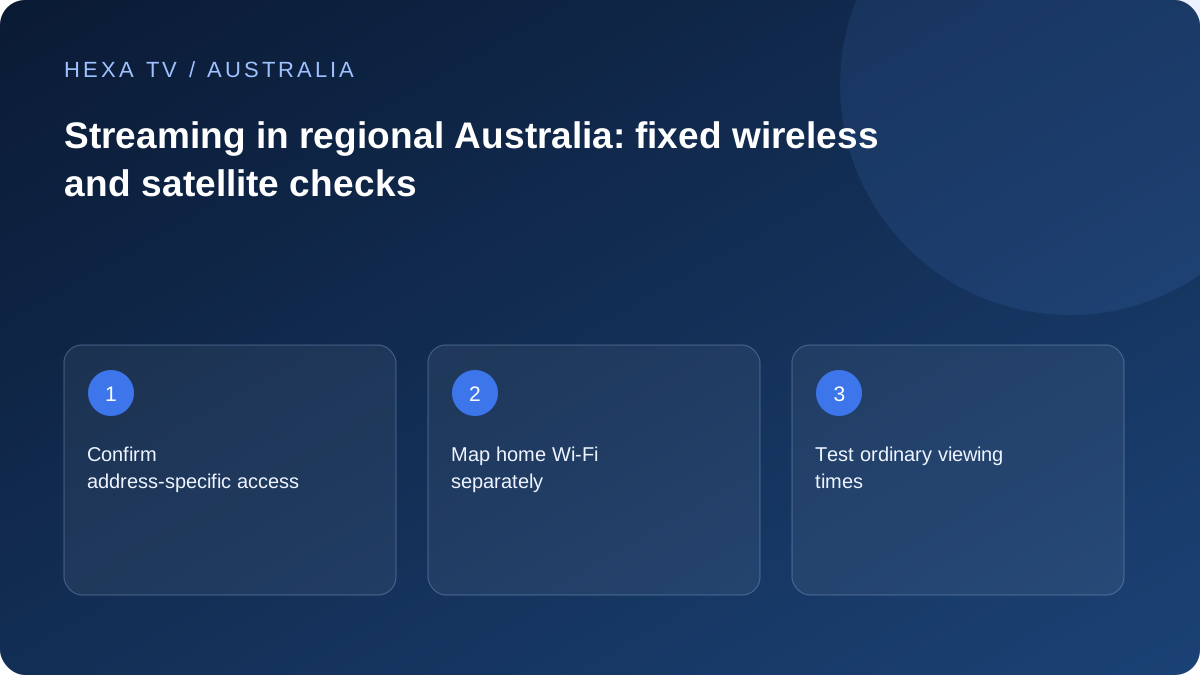
Check the address and access type
Use NBN's address and technology information and confirm the current retail offer with the provider. NBN's fixed-wireless guidance describes equipment and access arrangements for that network; it should not be applied to an unrelated mobile-broadband plan.
Record the connection equipment and the path from it to the television. A regional access service can still be paired with a weak local Wi-Fi link.
Compare normal viewing conditions
Run a labelled comparison at the usual viewing time, including the local timezone. Test a wired device where practical and note whether unrelated online services also struggle.
If only one programme fails, investigate the source. If several services are affected across devices, share the access type and comparison record with the retail internet provider.
Plan usage and fallback realistically
Check any data or plan conditions for the specific service. Satellite and wireless products can have different conditions, so use the actual current contract rather than a generic regional-internet claim.
Keep official broadcast or broadcaster-app options in the household viewing plan where available. A mobile hotspot can be a useful short diagnostic, but its cost and reception need their own check before it becomes the everyday solution.
Treat regional access and home Wi-Fi as separate systems
The connection arriving at a regional property and the wireless signal reaching the lounge room are not the same thing. An nbn fixed-wireless installation, a satellite service and a mobile hotspot have different equipment and plan arrangements. Identify the service actually installed before following a guide written for another technology.
nbn's fixed-wireless information is useful for understanding that network and its equipment. It does not establish eligibility for every rural address or the retail price available to a particular household. Use the address check and your retail provider to confirm the current service; do not infer availability from a neighbour's installation or a national upgrade announcement.
Draw the path from the connection box to the screen
List the connection equipment, router, any mesh point or extender, and the final television or streaming device. Note which links are wired and which are wireless. A shed, detached room or distant extension introduces another part of the path that should be assessed independently.
Do not relocate outdoor antennas or open network equipment as a household troubleshooting step. Begin with settings and connections intended for user access, and use the provider's installation guidance when equipment needs attention. A temporary cable comparison inside the home can be useful where safe and supported, but it should not become a trip hazard or an improvised outdoor installation.
Use a representative regional viewing sample
Pick the period when the household actually watches television. Record the date and timezone, source, device and whether other people were using the connection. Compare a short period near the router with the usual lounge-room setup where practical, then repeat the relevant comparison on another day.
The purpose is not to prove a universal regional speed. It is to discover whether the problem follows one room, one source, a group of devices or a particular period. A single fast speed-test result in the morning cannot answer all of those questions, and one failed programme cannot establish that every service on the connection is unreliable.
| Result | Useful inference | Next check |
|---|---|---|
| Multiple apps struggle even on a supported wired device | The problem is not confined to TV Wi-Fi | Retail-provider status and connection diagnostics |
| Only the distant TV struggles | Local reach or that device deserves attention | A nearer position or supported wired comparison |
| One broadcaster programme fails | The source or its availability may be involved | Another item in the same official app |
| Playback improves at a lower offered quality | Demand matters, but the bottleneck is not yet identified | Keep source constant and compare the network path |
| A brief mobile test succeeds | Another route worked for that sample | Allowance, signal and repeated real-world use before adopting it |
Read the plan conditions before relying on satellite or mobile data
Ask the retail provider which allowance, speed-management and usage conditions apply to the exact plan you have been offered. Do not assume that every satellite product shares the same rules or that an nbn fixed-wireless plan is equivalent to phone tethering. Keep promotional descriptions separate from the service conditions on your order.
For a transparent usage example, two streams each averaging 4 megabits per second for three hours would transfer about 10.8 decimal gigabytes before other traffic. Real adaptive streams vary, so use the example only to understand scale. Compare it with the plan's actual allowance and the household's other downloads, updates and calls.
Keep a fallback that matches the programme need
An available aerial service, an official broadcaster app and a mobile hotspot are different kinds of fallback. An app still needs internet access; it is not independent of a failed household connection. A working broadcast route can be useful for the programmes it carries, but should not be described as a substitute for every subscription title.
Test the household's chosen fallback in advance at a convenient time. Note the remote and input needed, and make sure another adult can restore the usual setup afterwards. If the fallback is mobile data, agree when to stop using it so an extended viewing session does not silently consume the remaining allowance.
Ask targeted questions before paying for an upgrade
If a new router is proposed, ask whether the evidence points to Wi-Fi coverage inside the property. If a different access plan is proposed, ask what changes at the connection and whether your equipment supports it. If a new streaming device is proposed, ask which app or format limitation it solves.
These are separate purchases. A more expensive television cannot repair an outage in the access network, and a faster retail plan does not automatically improve a poorly positioned wireless link. Keep the current functioning setup until a replacement is confirmed and the relevant household viewing check has been repeated.